 Heretake
Your next photoshoot starts with a selfie.
A new look. A special occasion. A different side of you.
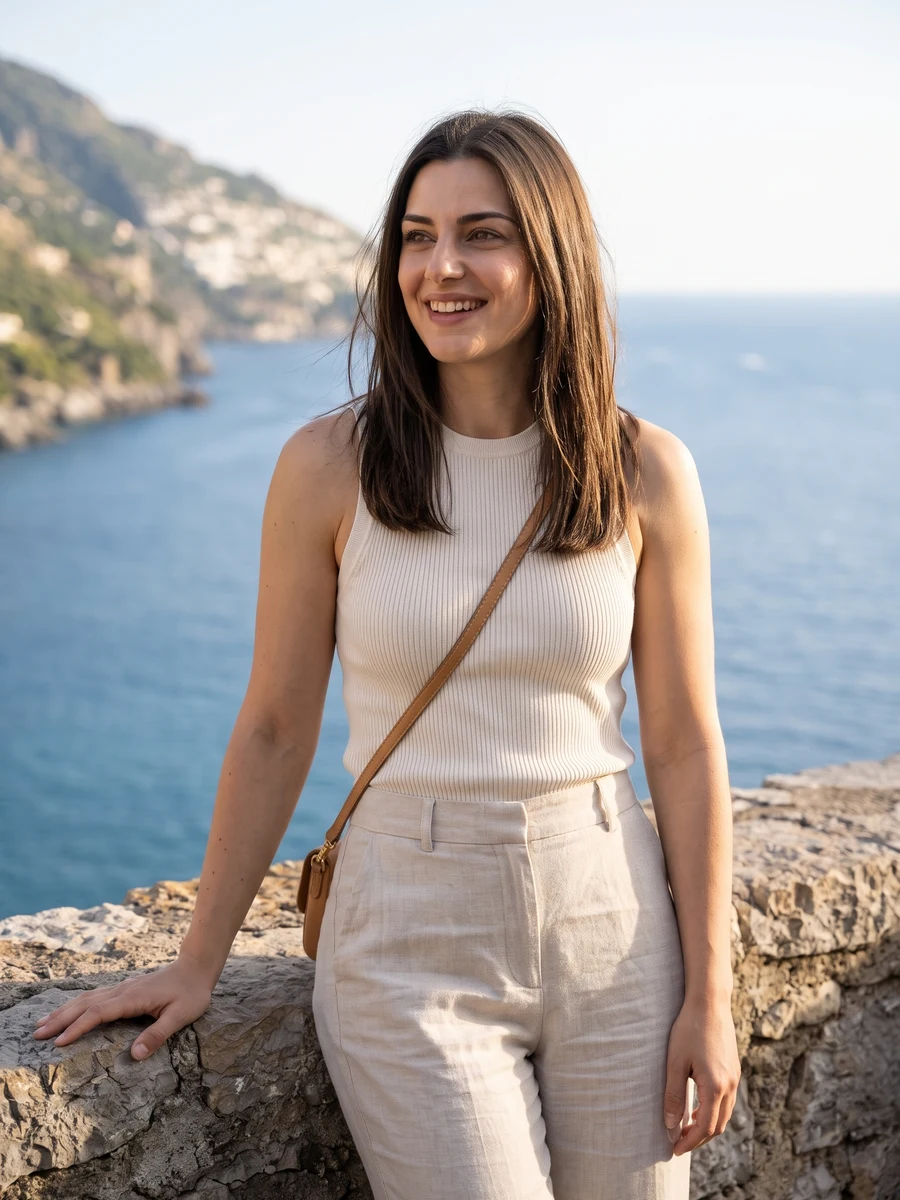
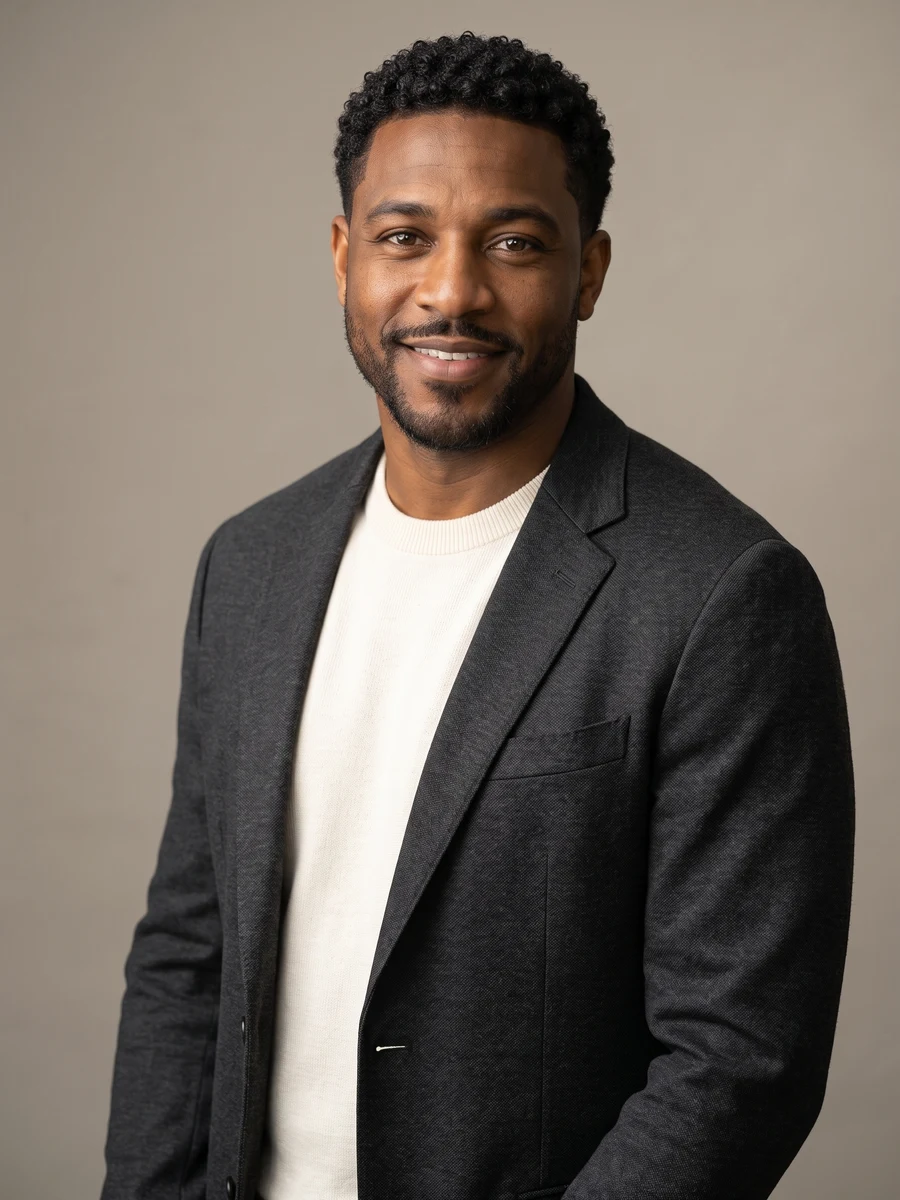
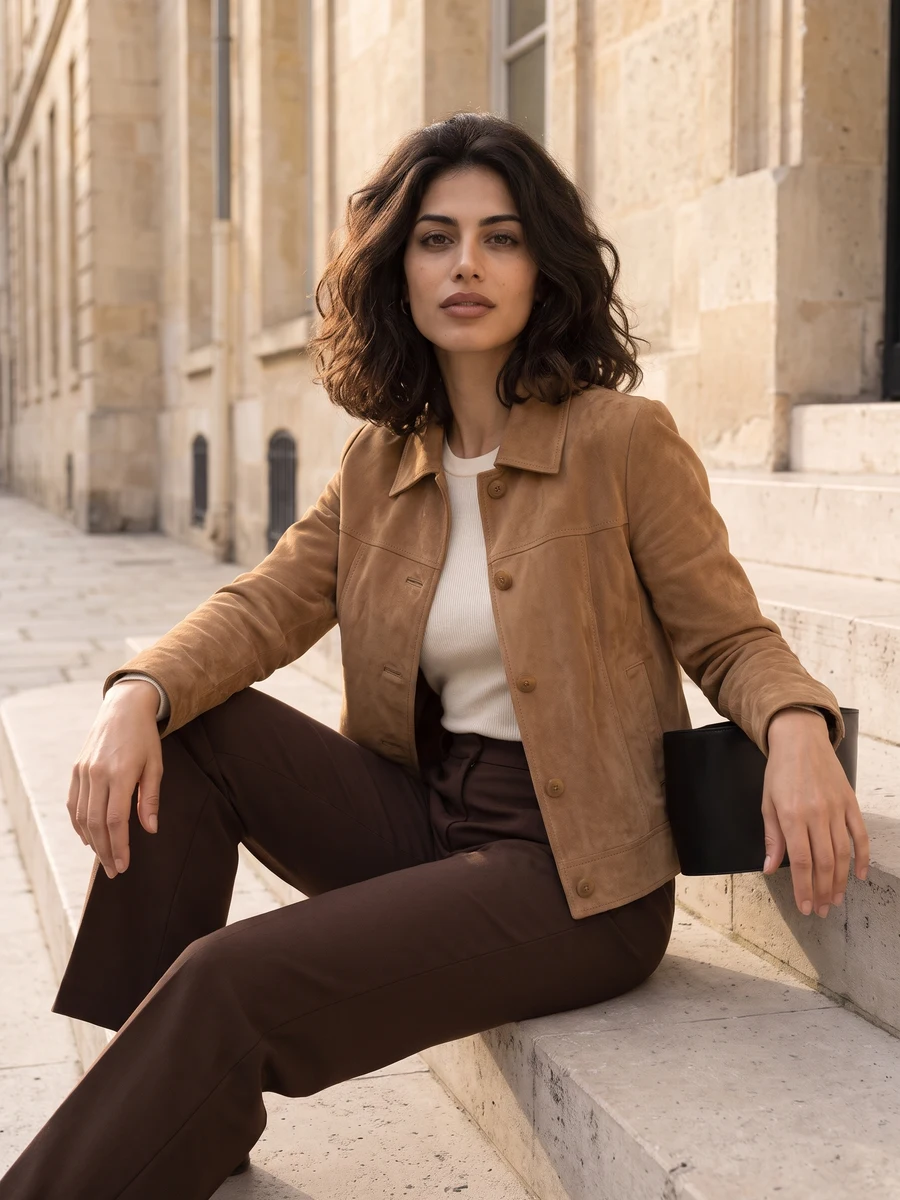
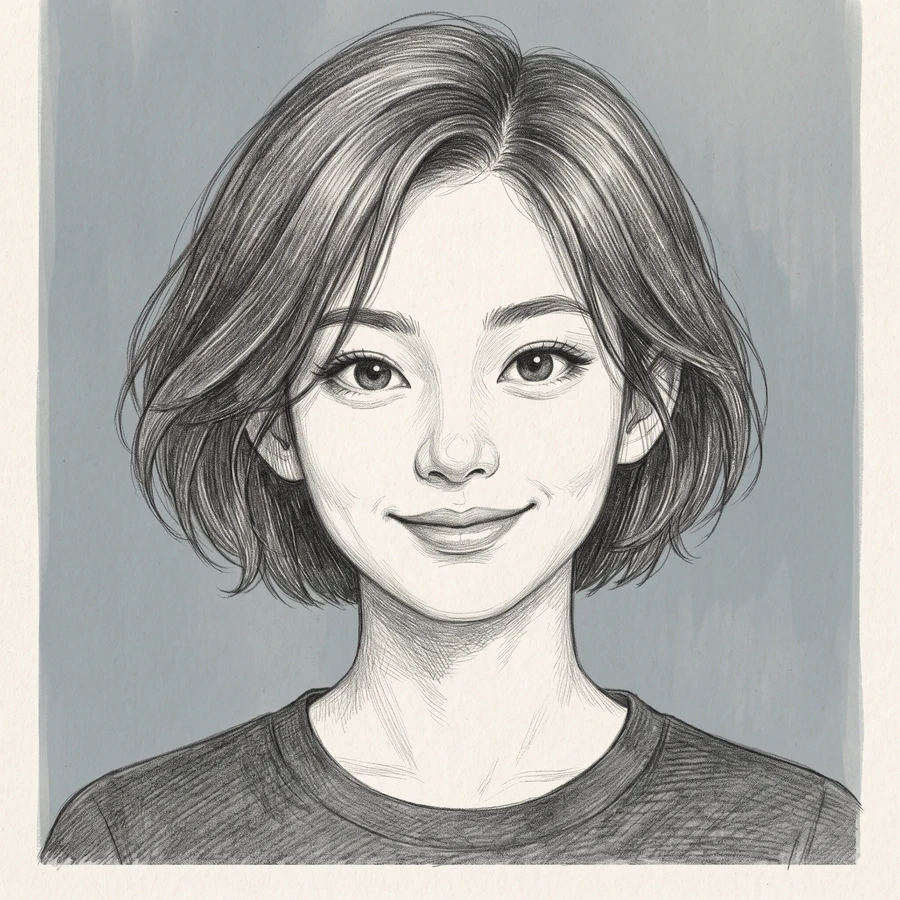
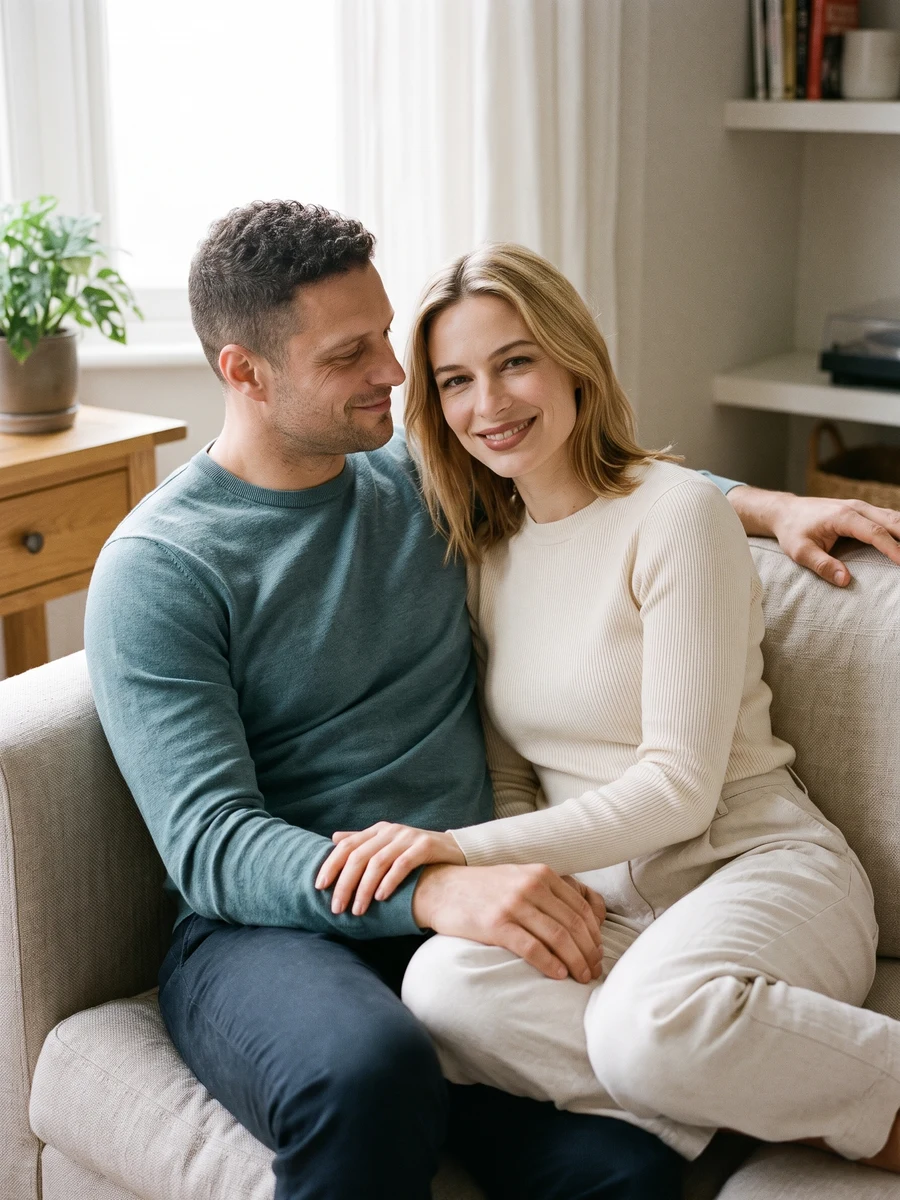
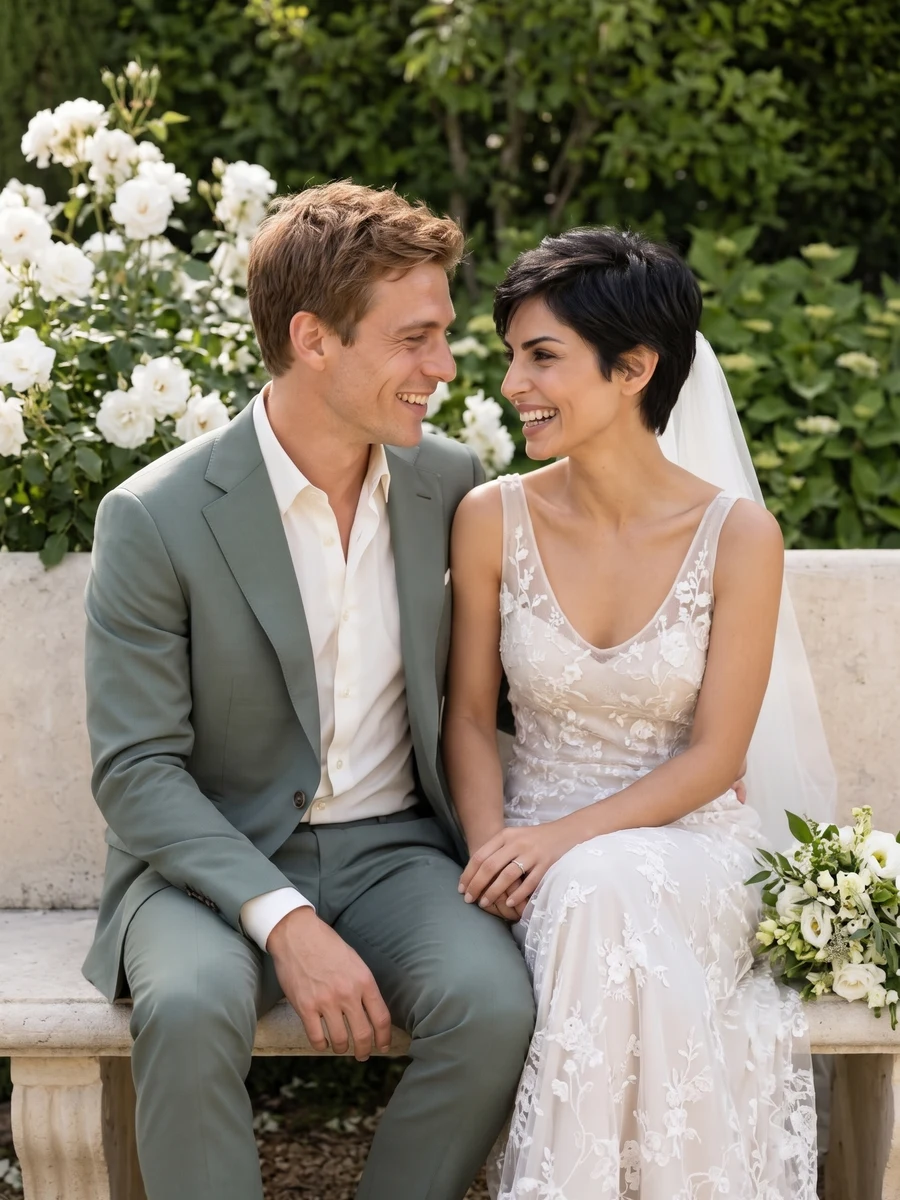
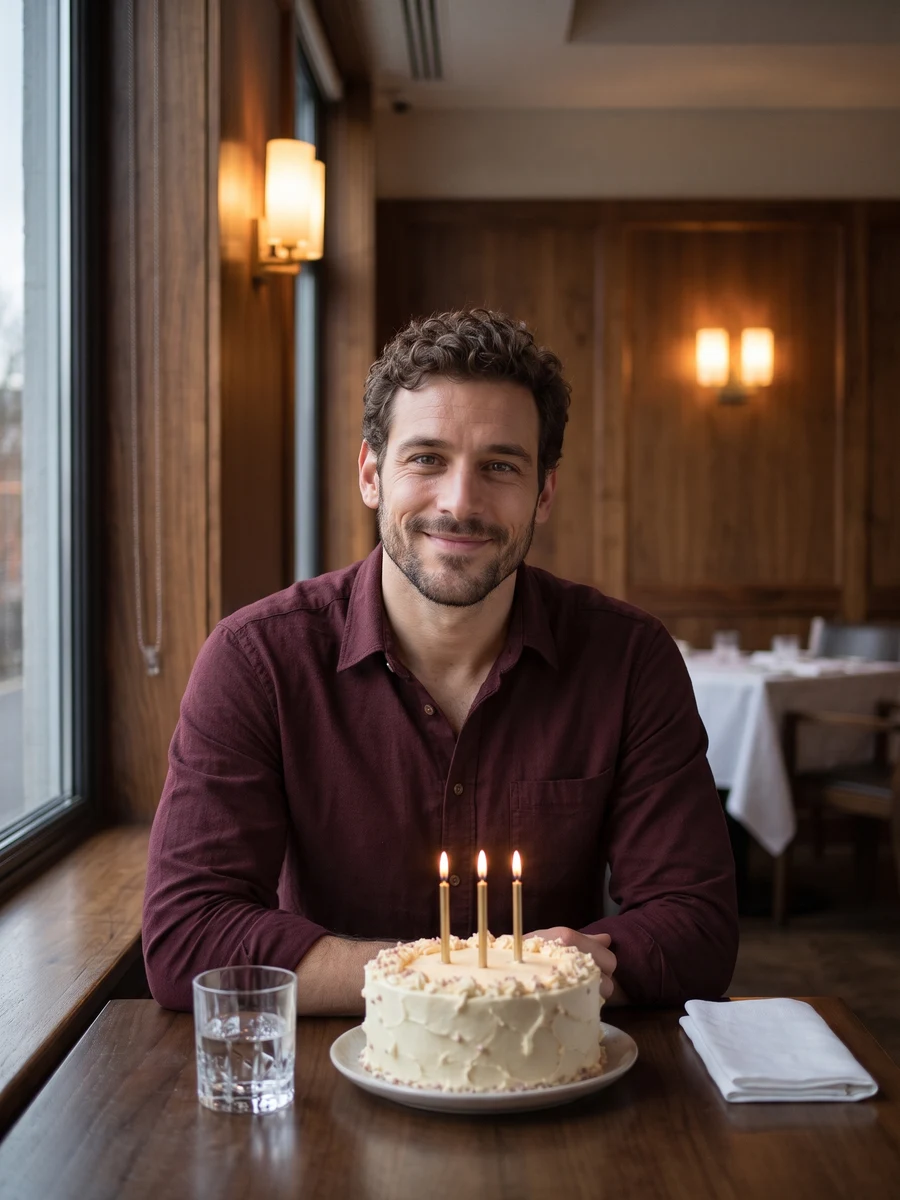
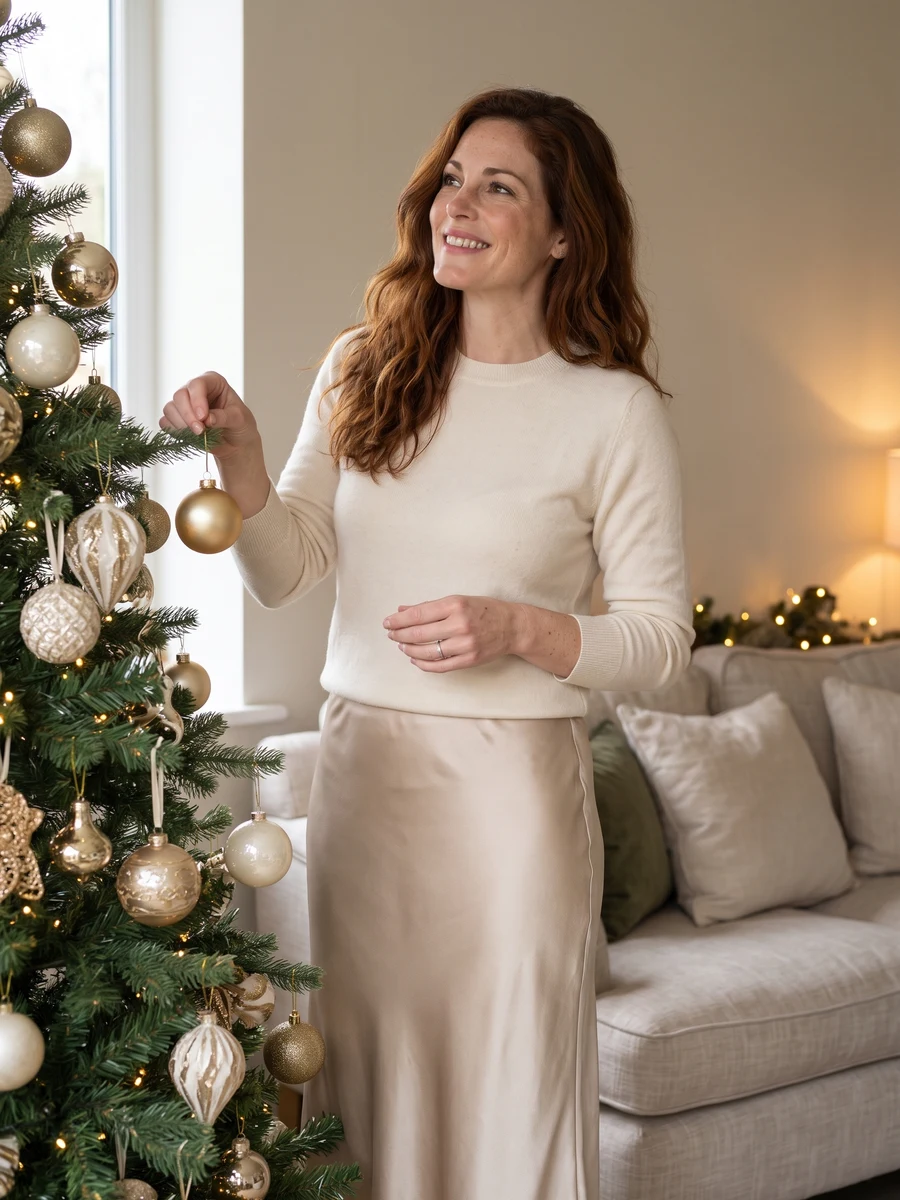
Find your next look
Browse the examples and find a scene that feels like you.
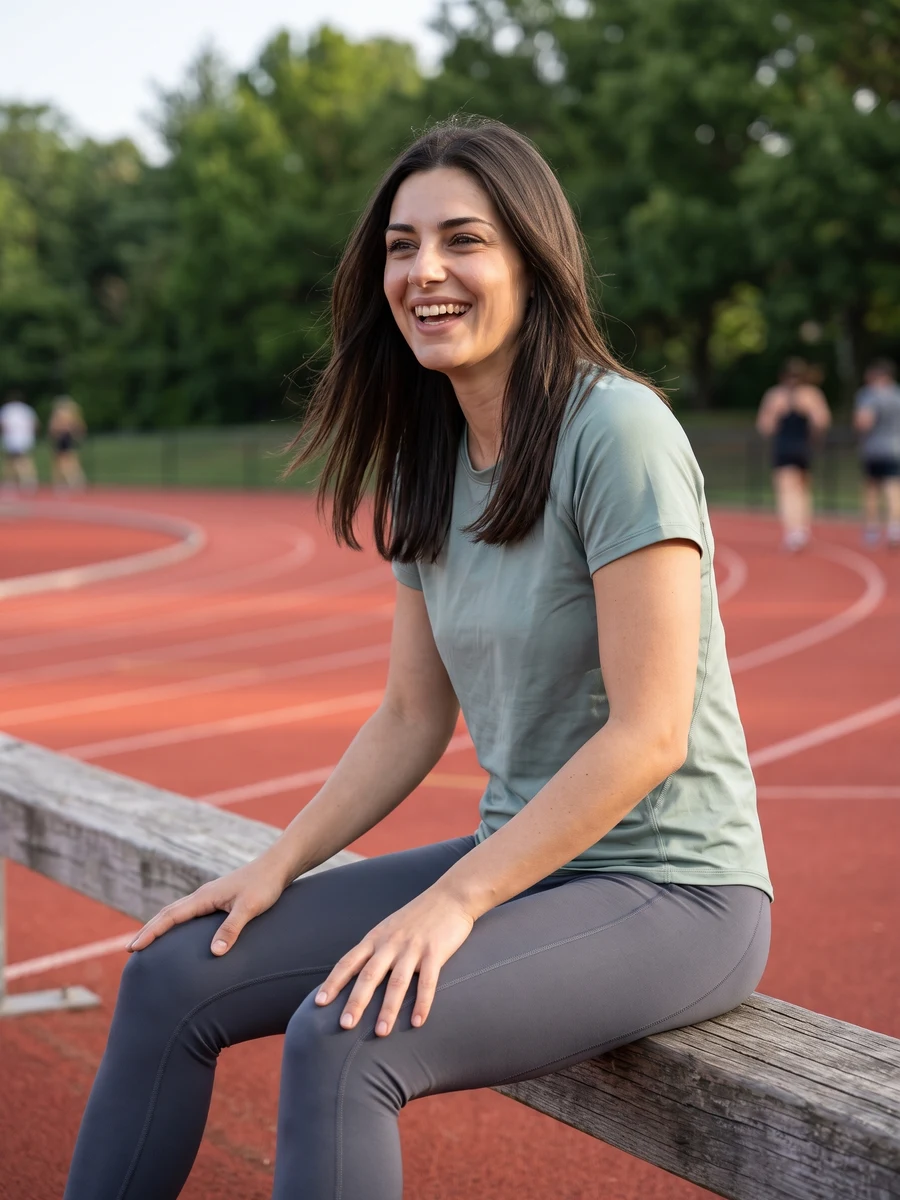

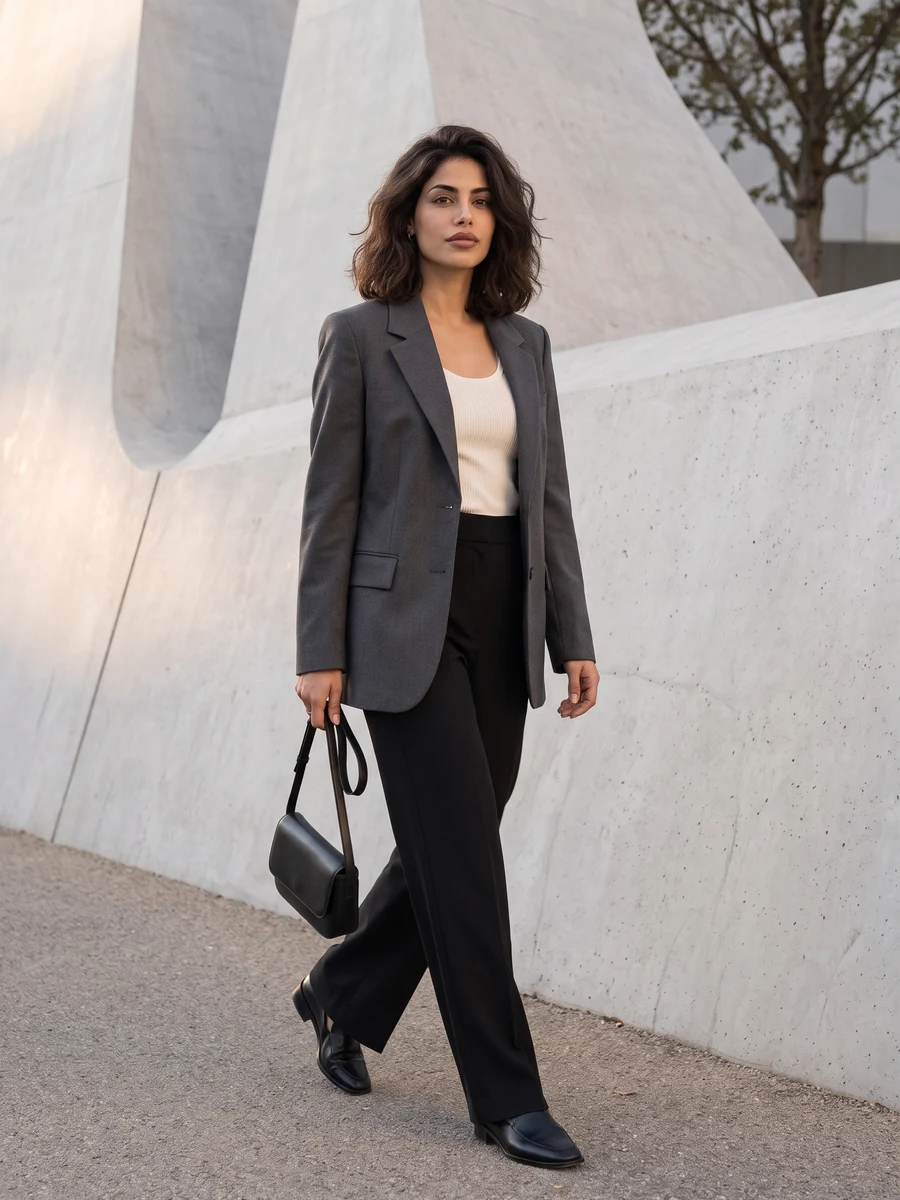
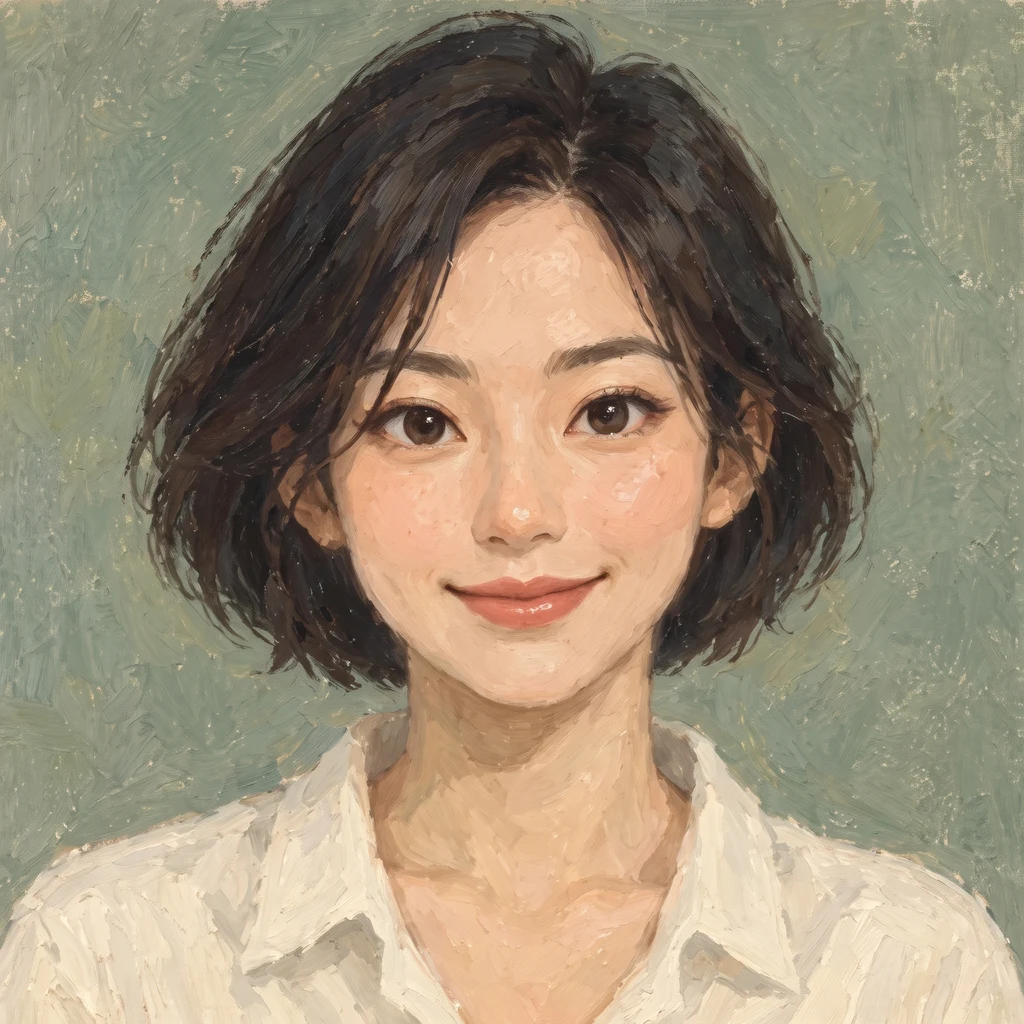
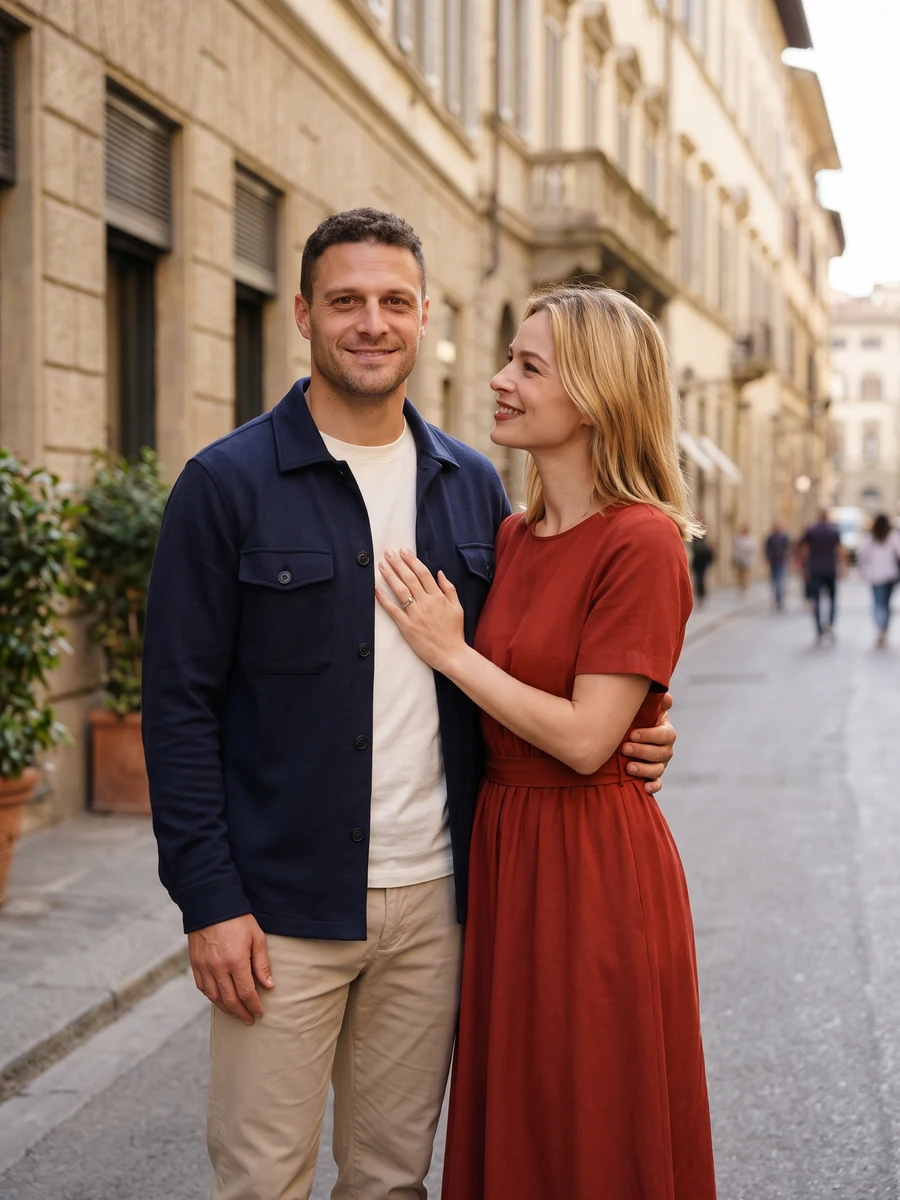
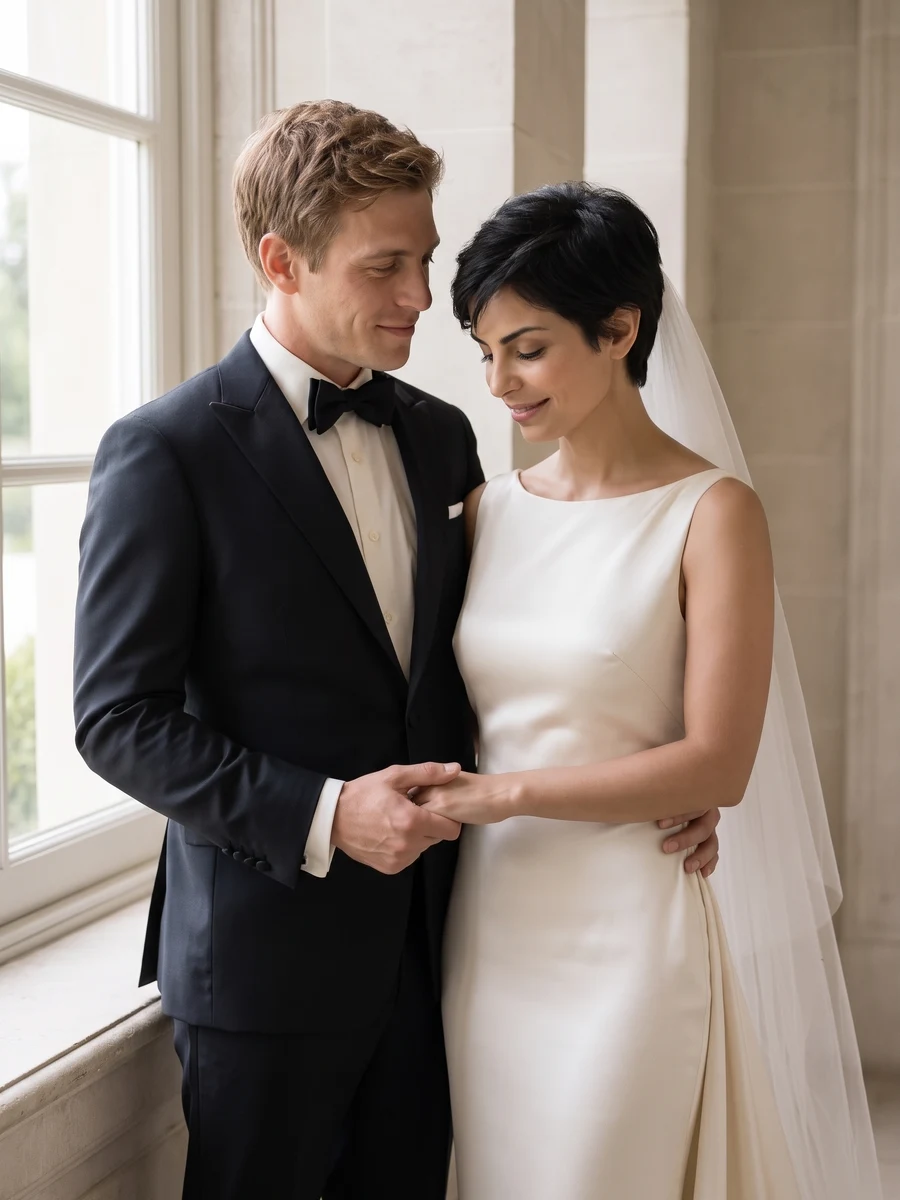
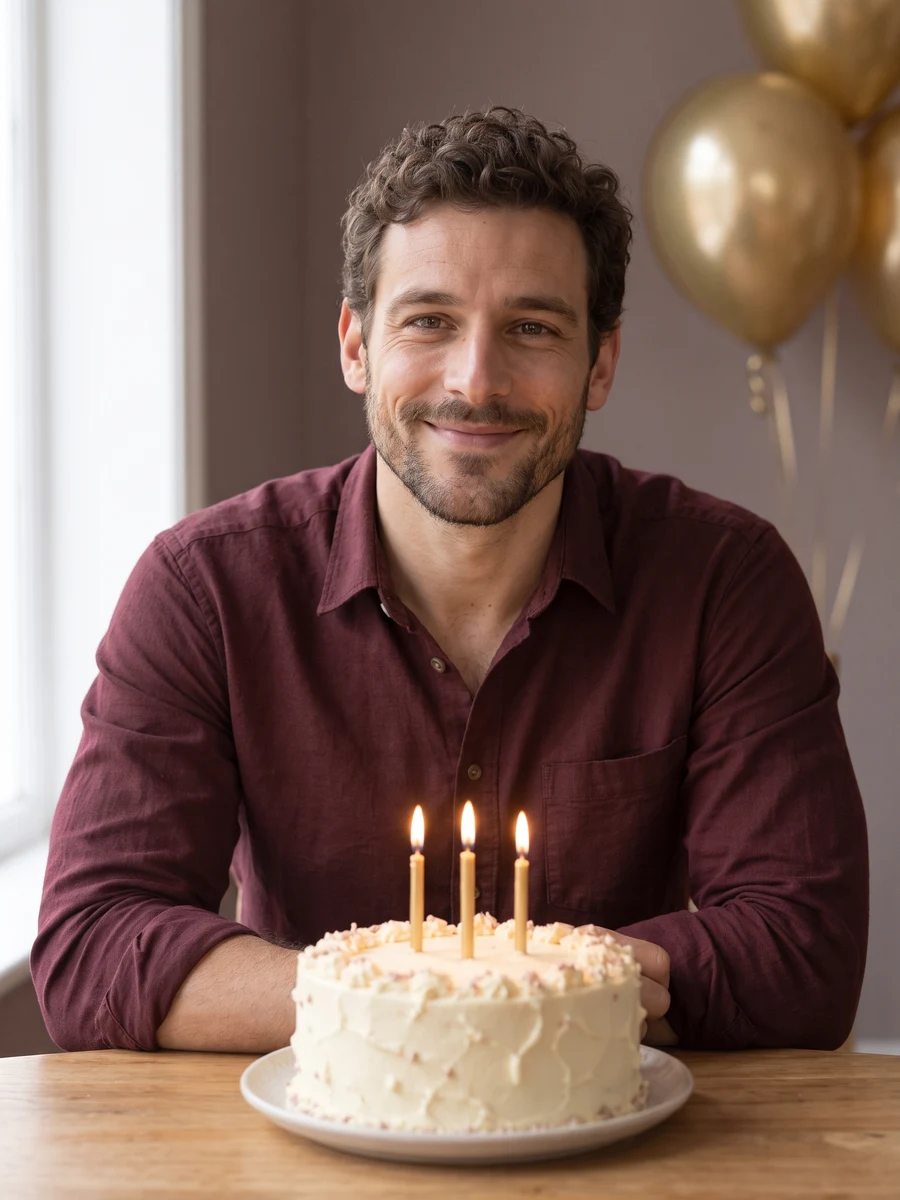
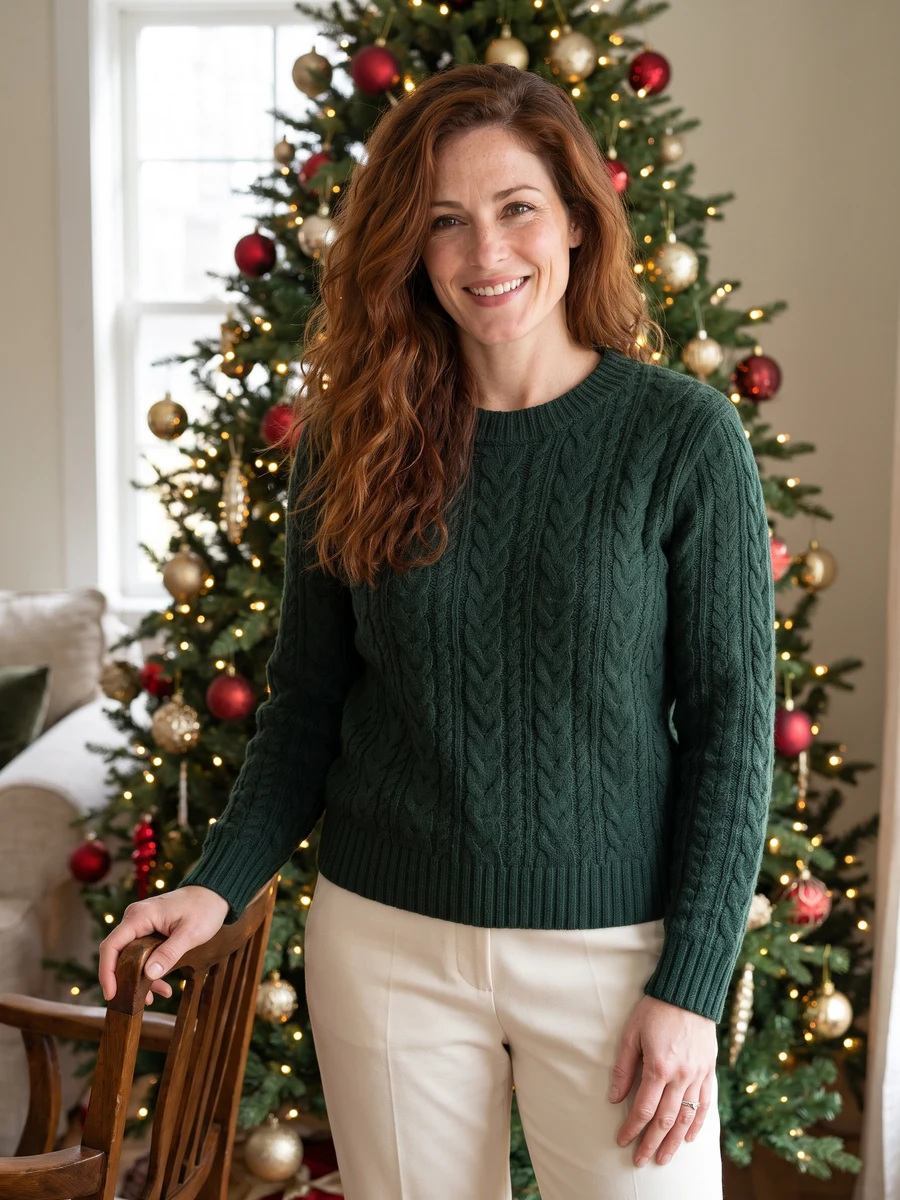
How it works
Bring your photos. We’ll take care of the photoshoot.
Start with a clear selfie
Face the camera in even light. Keep your whole face visible.
Avoid sunglasses and heavy filters. For couple photos, keep both faces clear.
- 1
Choose your look
Browse the examples, choose a scene and pick your style. Create a full set or choose one shot.
Confirm the image count and total credit cost before you generate.
- 2
Add your photos
Add a clear adult selfie, or photos of both people for a couple or wedding set. We take care of the scene and styling — no prompts to write.
Clear faces, good light, no heavy filters.
- 3
Make them yours
Your images appear as they finish. Open My creations to view the whole set and download your favorites.
Credits for technically failed images are returned automatically.
How many photos will I get?
Choose a full set of six photos or four avatars, or select One shot to create 1, 2 or 4 versions of a single shot. Studio also offers 1, 2 or 4 images per request. You see the image count and total credit cost before generating.
Will the photos look exactly like me?
Your selfie guides the result, but AI can change facial details, clothing or proportions. Scene examples show the intended style, not a guaranteed result. If a result is unusable or does not resemble you, contact support with the generation reference for review.
Contact supportWhat kind of selfie should I upload?
Use a clear, well-lit photo with your face uncovered. Single-person scenes need one selfie. Couple and wedding scenes accept one photo each or one photo of you both. Both people must be 18 or older and agree to the use of their photos. Avoid sunglasses, heavy filters and extra people.
How long does generation take?
Images appear as they finish, so you do not have to wait for the whole set to view the first results. Timing varies with provider demand and the scene. You can leave the page and return to My creations to check progress.
Who can see my photos, and can I delete them?
Your results are private to your account, not a public gallery. Generation providers process your selfie to create the images; limited support access may be needed to resolve issues or investigate abuse. We delete the source photo from our temporary storage after processing, subject to cleanup timing. Email support to request deletion of saved images or account closure. External providers have their own retention policies.
Read the privacy policyHow do credits work? Is this a subscription?
Buy a credit pack once, with no subscription or automatic renewal. Scene images use 10 credits each. In Studio, the cost per image depends on the model. The total is shown before you generate. Purchased credits have no scheduled expiry while your account stays open. Generating new images uses credits again.
View credit packsWhat happens if generation fails?
Credits for each technically failed image are returned automatically. If only part of a set fails, you keep the completed images and receive credits back for the failed ones. A result you dislike is reviewed separately; it is not treated as an automatic technical failure.
Can I get a refund for a credit purchase?
You can request a full refund of a wholly unused credit pack within 7 days of purchase. Contact support from your account email with your order number. Returning credits for a failed image is different from refunding a payment. Your statutory consumer rights remain unaffected.
Read the refund policyWhere do I find and download my photos?
Open My creations from the account menu to see your sets and download completed images. Downloading them again does not use credits. Keep a copy of any images you want to retain independently.