 Heretake
Christmas portraits
Six relaxed portraits, one cozy Christmas setting. Soft daylight, warm lights, and a little holiday spirit.
Your photos, made here
Choose a shot and add your photos. Your results will appear here.
Explore examplesShots
One photo of each of the 6 shots below.
Photo settings
Checking your account…
Photos deleted after processing. Credits refunded for failed generations.
Explore the possibilities
Your results will vary with your photos and preferences.
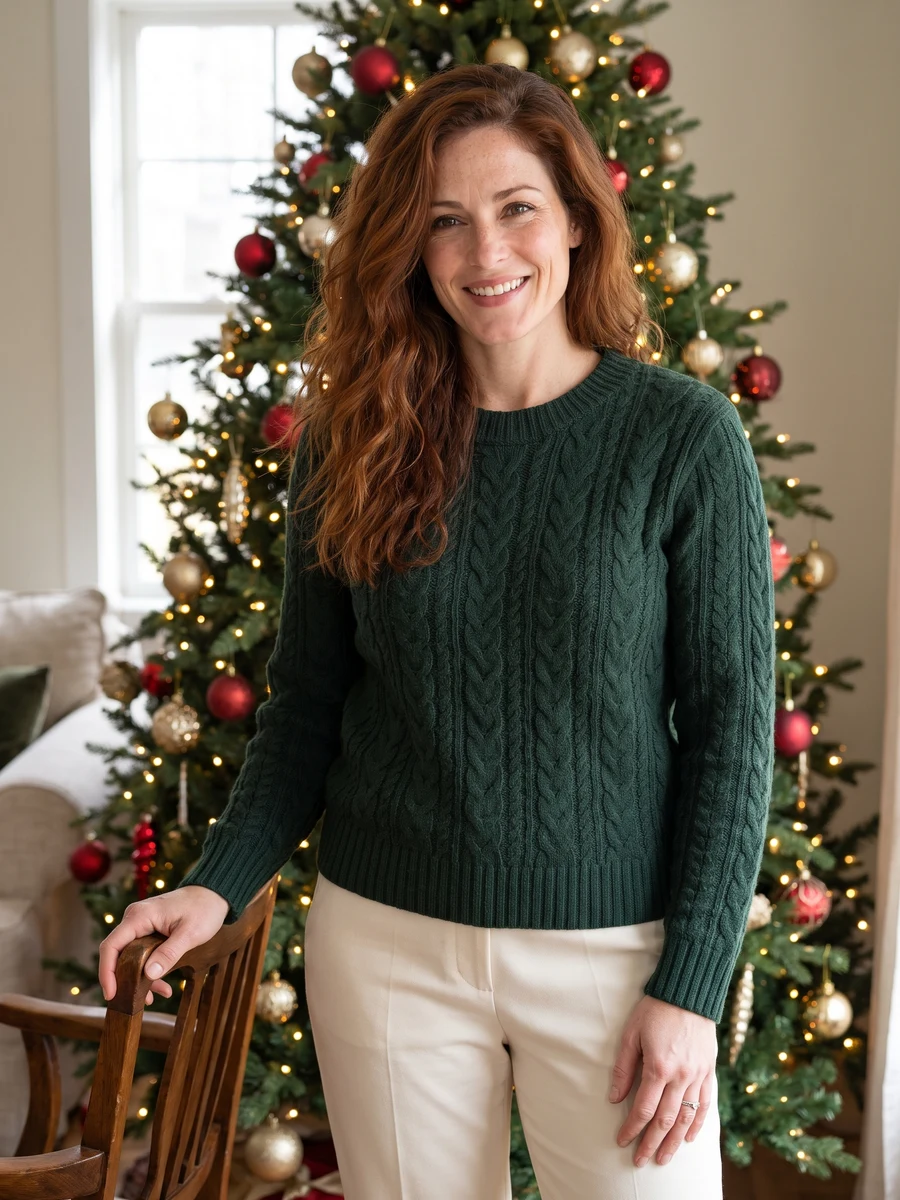
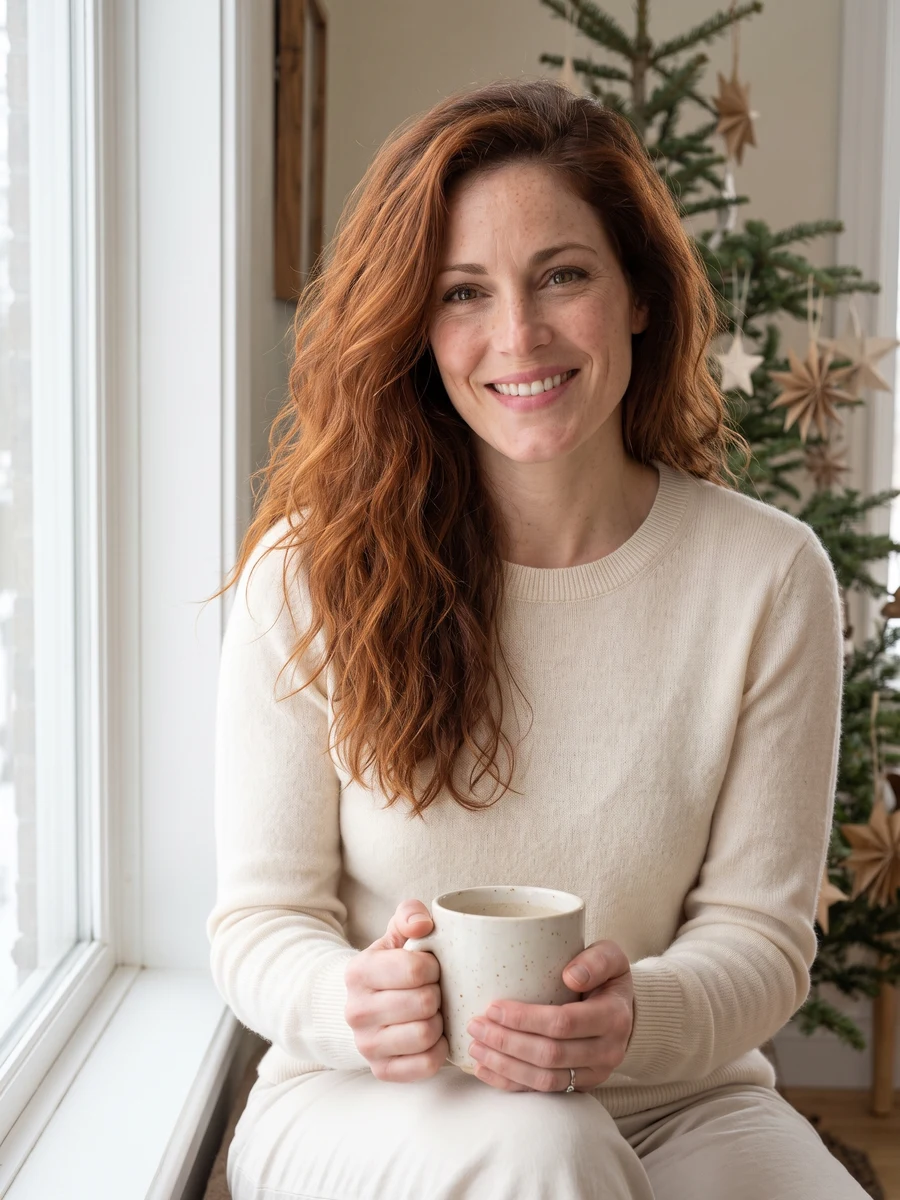
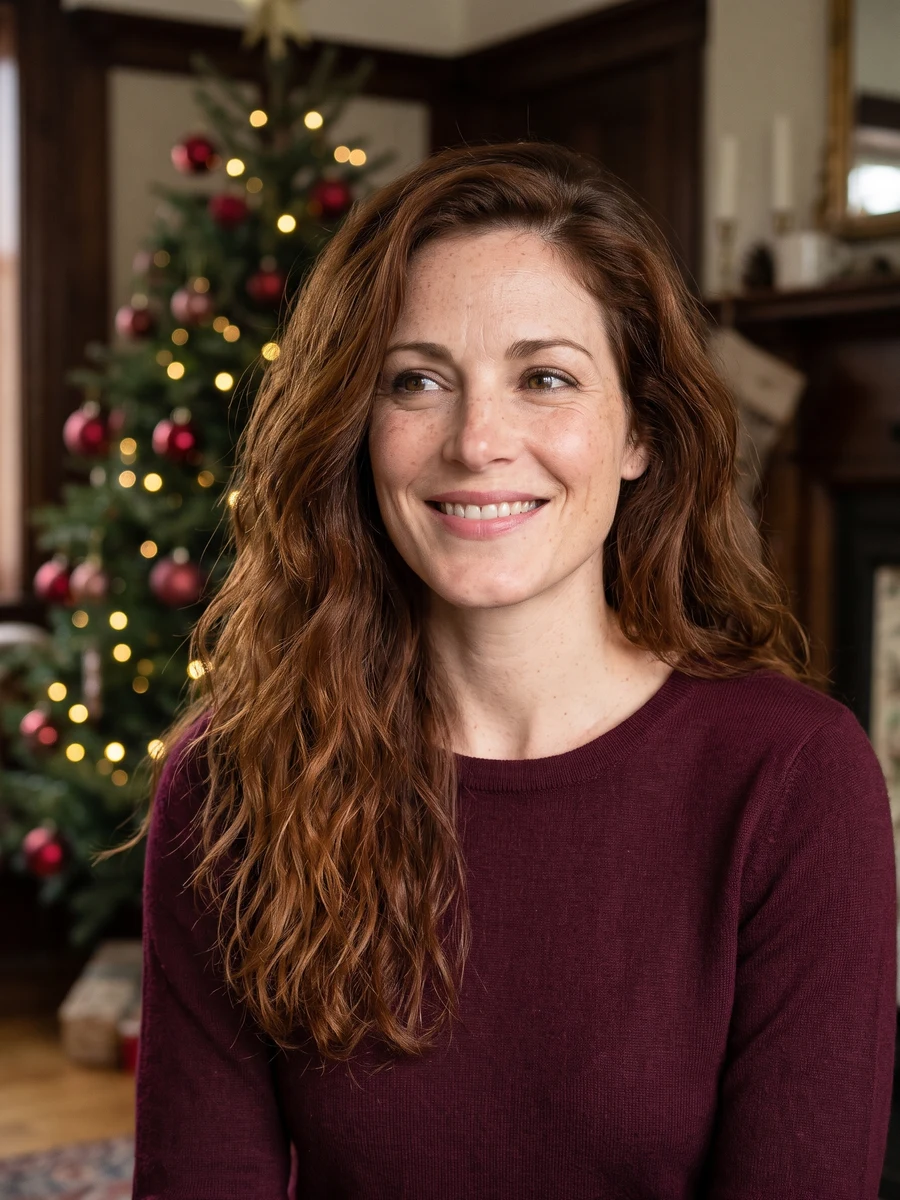
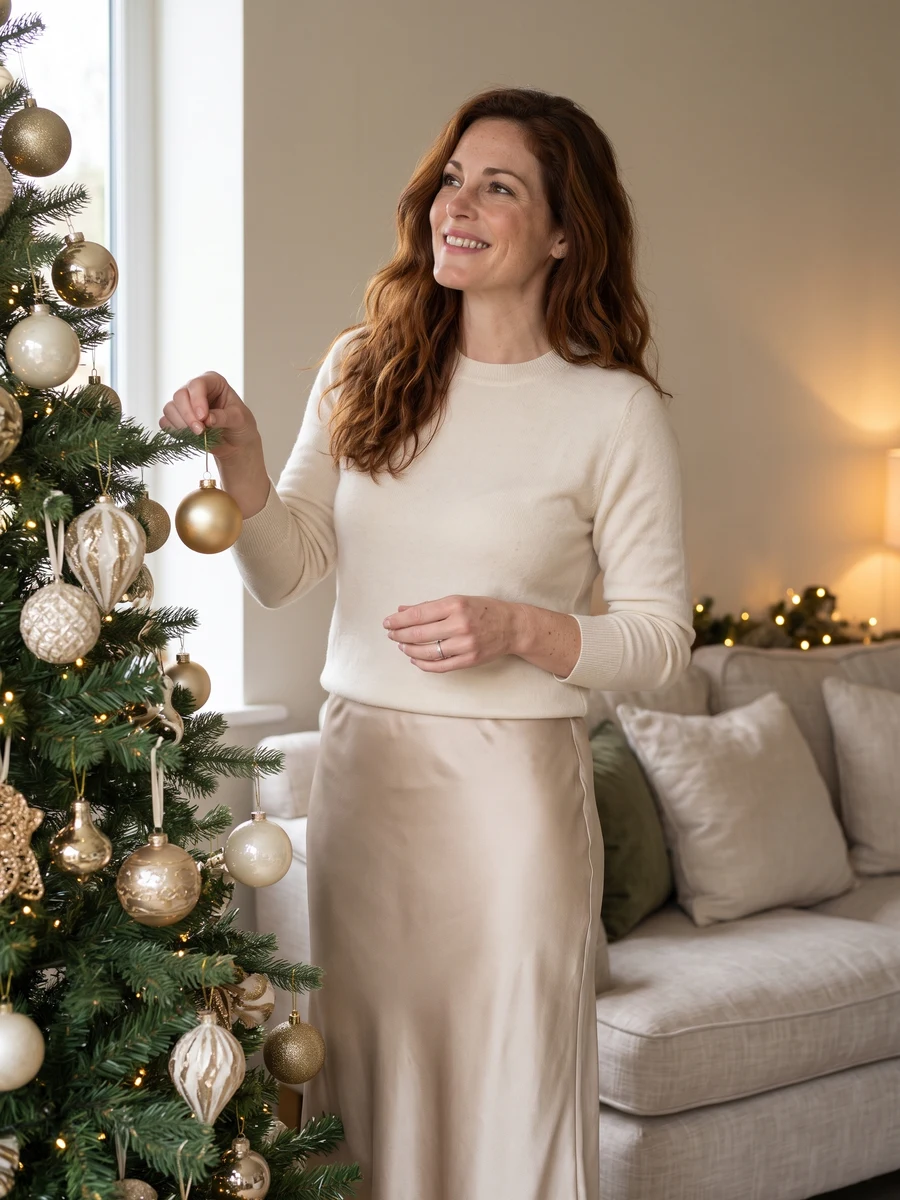
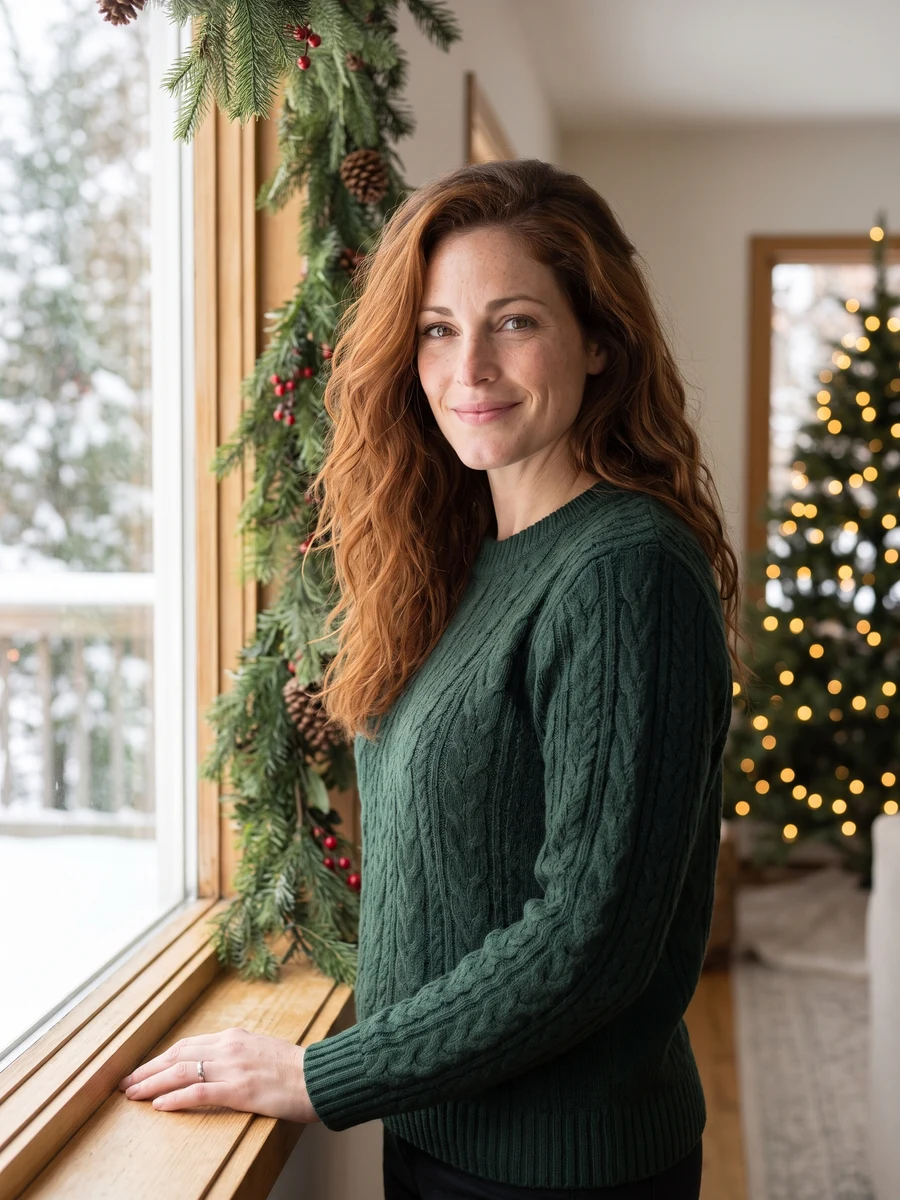
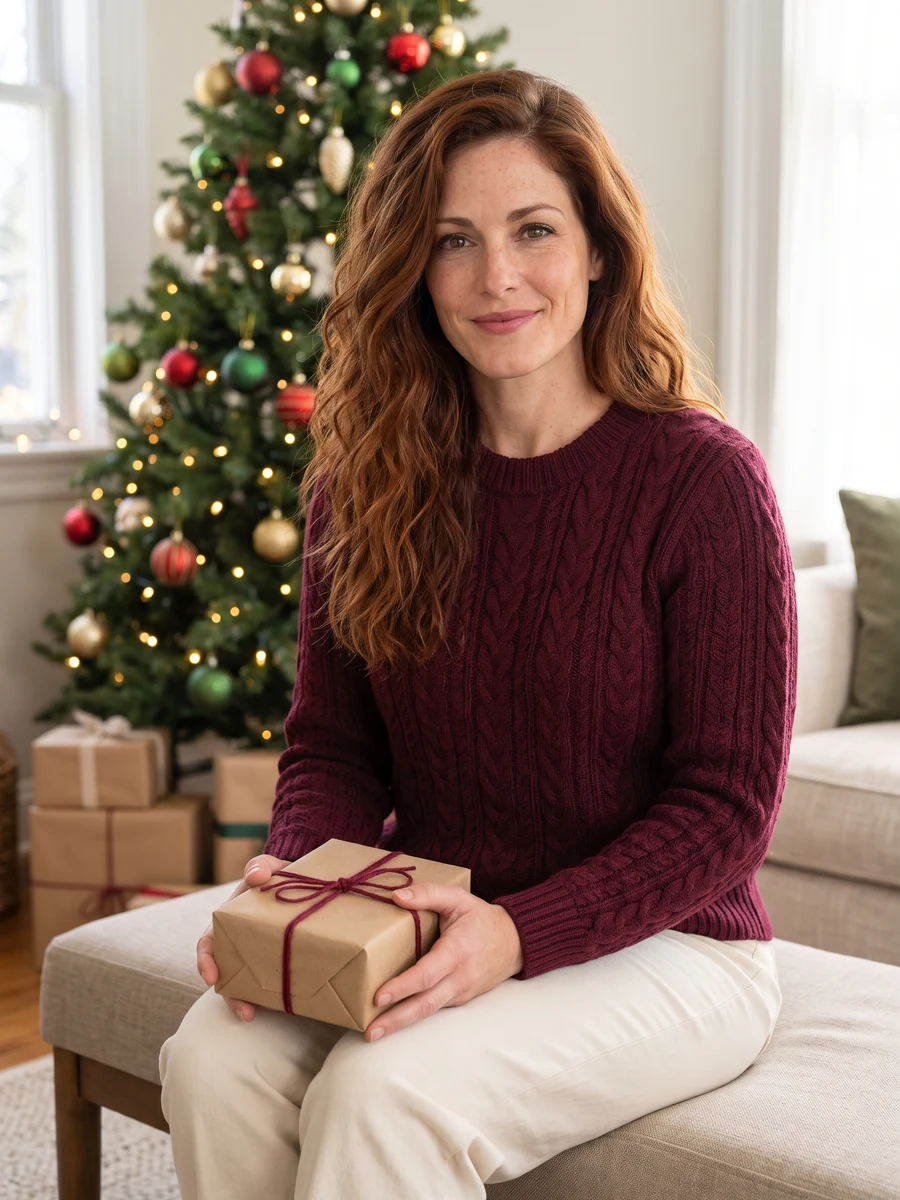
A little warmth for the holiday season.
Create AI Christmas portraits in a cozy room with a decorated tree, warm lights and winter knitwear. Relaxed poses by the tree, on the sofa and near a window keep the set focused on you.
For a seasonal profile picture, a holiday post or an image to use in a personal greeting. Download a portrait and add your own message or card layout in an editor.
Start with good photos.
Choose daylight over party lighting
Start with a clear selfie in even light. Strong colored lights or a very dark holiday snapshot can make facial details harder to read.
Keep decorations away from your face
Avoid hats pulled over your eyes, face coverings and large props. You do not need a Christmas tree or festive clothing in the reference photo.
Do I need a Christmas photo to start?
No. An everyday selfie is fine. The scene creates the tree, room and winter outfit around your reference.
Can I make a family Christmas portrait?
This set is for one adult and does not support families, children or pets. Use a photo of yourself alone so the model has a clear subject.
Does it create a finished Christmas card?
It creates portrait images, not a card layout. Download your chosen image and add greetings, names or a border in a separate editor before sharing or printing.
Can I choose a different sweater or decorations?
Use Preferences to describe knitwear, a color palette or decorations. Those preferences guide the whole set. Exact garment or decoration matching is not guaranteed.
When can I download my images?
Images appear individually as they finish. Timing varies with the scene and provider demand. You can leave this page and return to My creations to check progress and download completed images at their original output size. Downloading again does not use credits.
How many images are in a set, and what does it cost?
Choose One shot for 1, 2 or 4 versions at 1 credit per image, or Full set for 6 photos for 6 credits. The number of images and total credit cost are shown above before you generate. Completed images are saved privately in My creations, where you can return to download them.
What happens if an image fails to generate?
Credits for failed images are returned automatically. Any completed images stay available, so a partial failure does not mean losing the whole set. If an image completes but you are unhappy with the result, contact support@heretake.com for help.