 Heretake
Avatars
Your features, a new medium. Choose a style for your next profile picture.
Your photos, made here
Choose a shot and add your photos. Your results will appear here.
Explore examplesShots
One photo of each of the 4 shots below.
Photo settings
Checking your account…
Photos deleted after processing. Credits refunded for failed generations.
Explore the possibilities
Your results will vary with your photos and preferences.
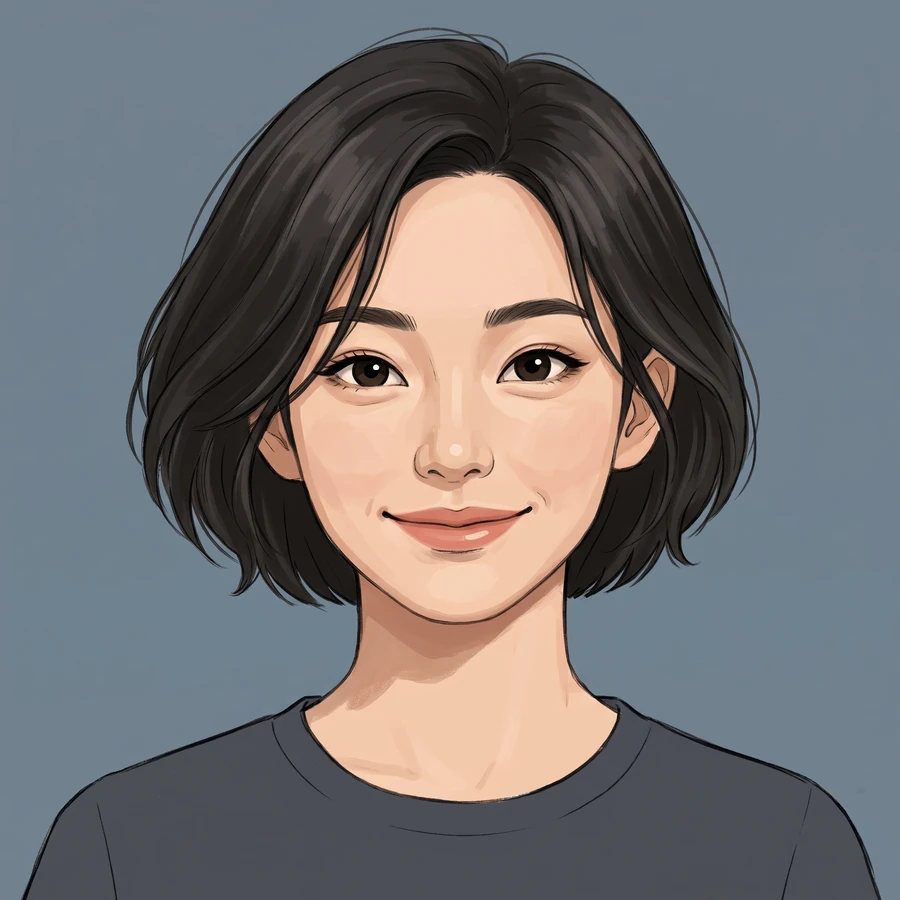
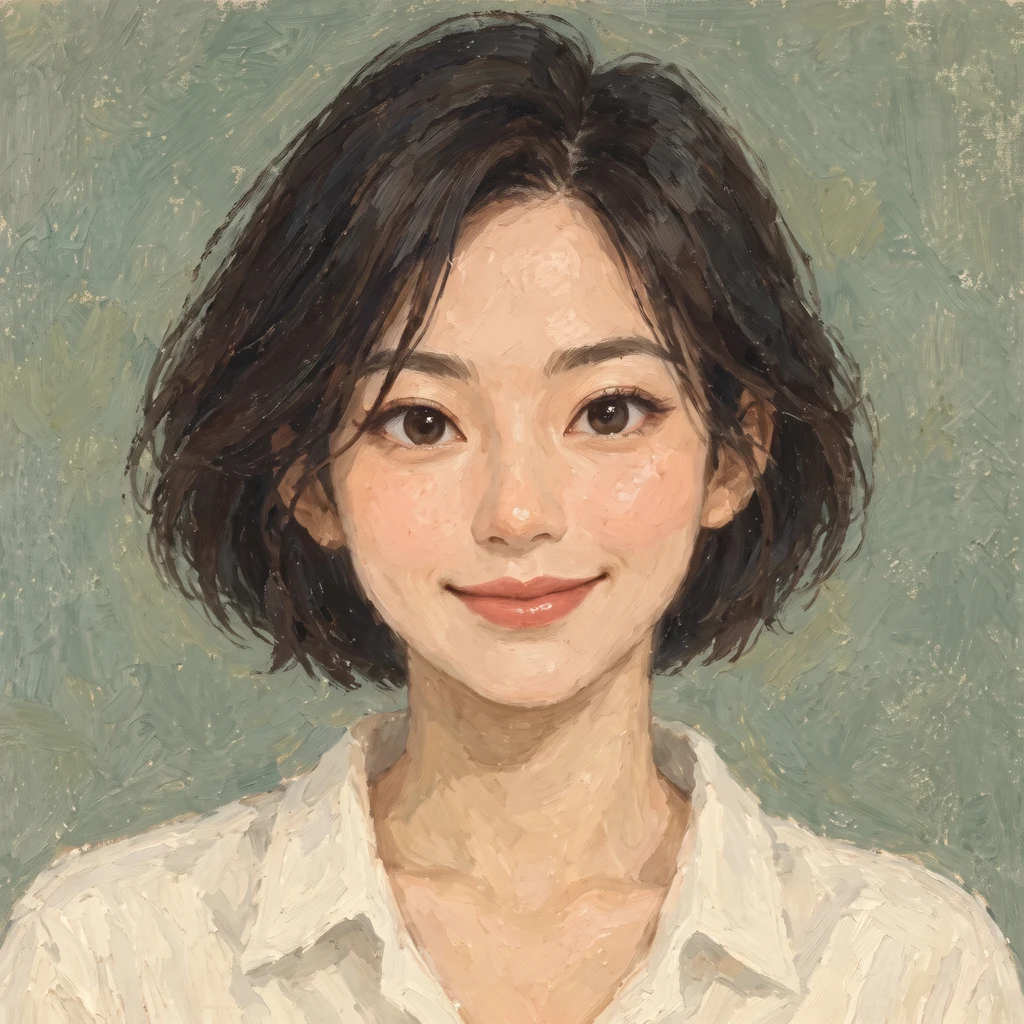
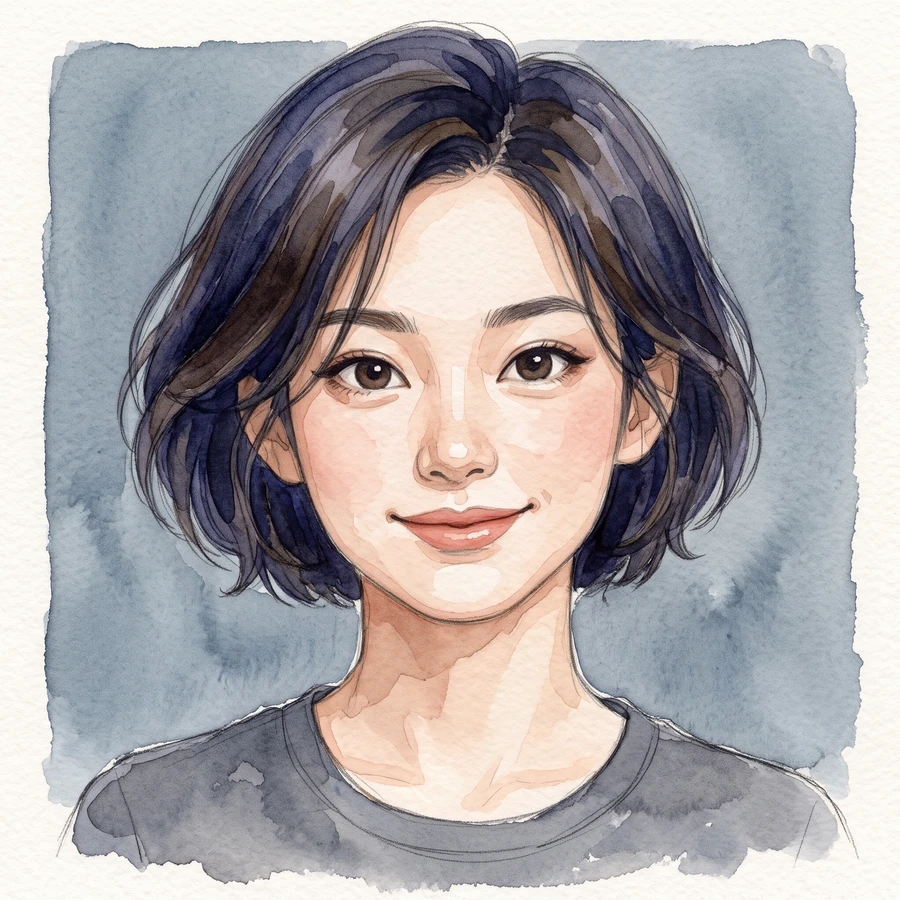
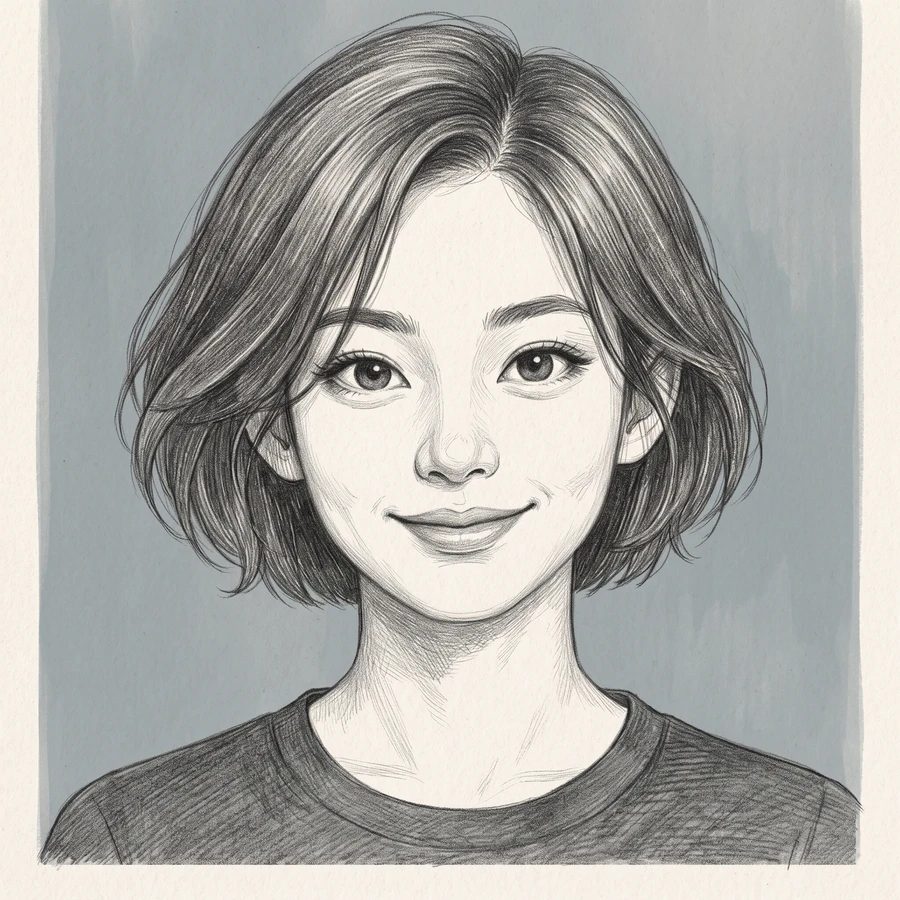
Your face, in a different medium.
Turn your selfie into a digital illustration, oil painting, watercolor or pencil portrait. Each style interprets your features differently, from clean drawn contours to visible brushwork and simplified color shapes.
For a social profile, a community account or a more expressive online identity. The default square compositions keep the face prominent so you can compare the options before choosing your next avatar.
Start with good photos.
Use a photo, not an existing avatar
Start with a clear photo of your own face. A photograph gives the model facial details to interpret; a heavily filtered or already stylized image can obscure them.
Keep your whole head in the frame
Include your hair and chin with a little room around them. Avoid objects across your face and choose a photo where your eyes and distinctive features are easy to see.
Which styles can I choose?
Choose Digital illustration for layered graphic color, Oil painting for visible brushwork, Watercolor for transparent washes, or Pencil sketch for graphite lines. The example gallery stays fixed; your selection applies to generated images.
Does one set include every style?
No. Choose one style before generating. Every image in that set uses the selected medium, with variations in angle, expression and background. Trying another style starts a separate set with its own credit cost.
Will the avatar look like a photograph?
These are deliberately stylized portraits. The AI uses your features as a reference, but each medium changes how they are represented. Choose Lifestyle portraits if you want a photographic look.
Can I download a circular or transparent avatar?
The set produces images with a background in your chosen aspect ratio. It does not include a transparent cutout or a circular image file. You can crop the downloaded image in the app where you use it.
When can I download my images?
Images appear individually as they finish. Timing varies with the scene and provider demand. You can leave this page and return to My creations to check progress and download completed images at their original output size. Downloading again does not use credits.
How many images are in a set, and what does it cost?
Choose One shot for 1, 2 or 4 versions at 1 credit per image, or Full set for 4 avatars in your selected style for 4 credits. The number of images and total credit cost are shown above before you generate. Completed images are saved privately in My creations, where you can return to download them.
What happens if an image fails to generate?
Credits for failed images are returned automatically. Any completed images stay available, so a partial failure does not mean losing the whole set. If an image completes but you are unhappy with the result, contact support@heretake.com for help.