 Heretake
Fashion photoshoot
A coordinated fashion story. Start with an editorial look, then make the clothes, setting and mood your own.
Your photos, made here
Choose a shot and add your photos. Your results will appear here.
Explore examplesShots
One photo of each of the 6 shots below.
Photo settings
Checking your account…
Photos deleted after processing. Credits refunded for failed generations.
Explore the possibilities
Your results will vary with your photos and preferences.
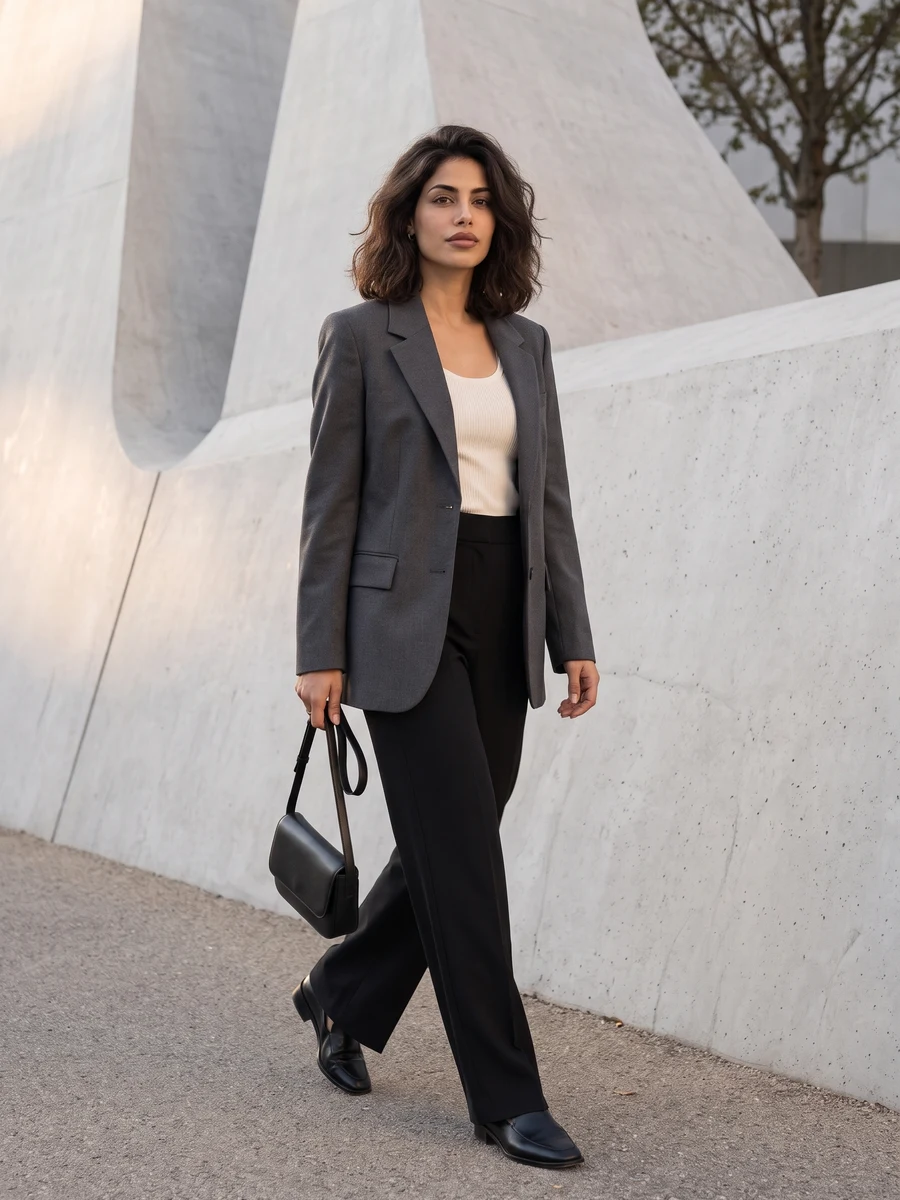
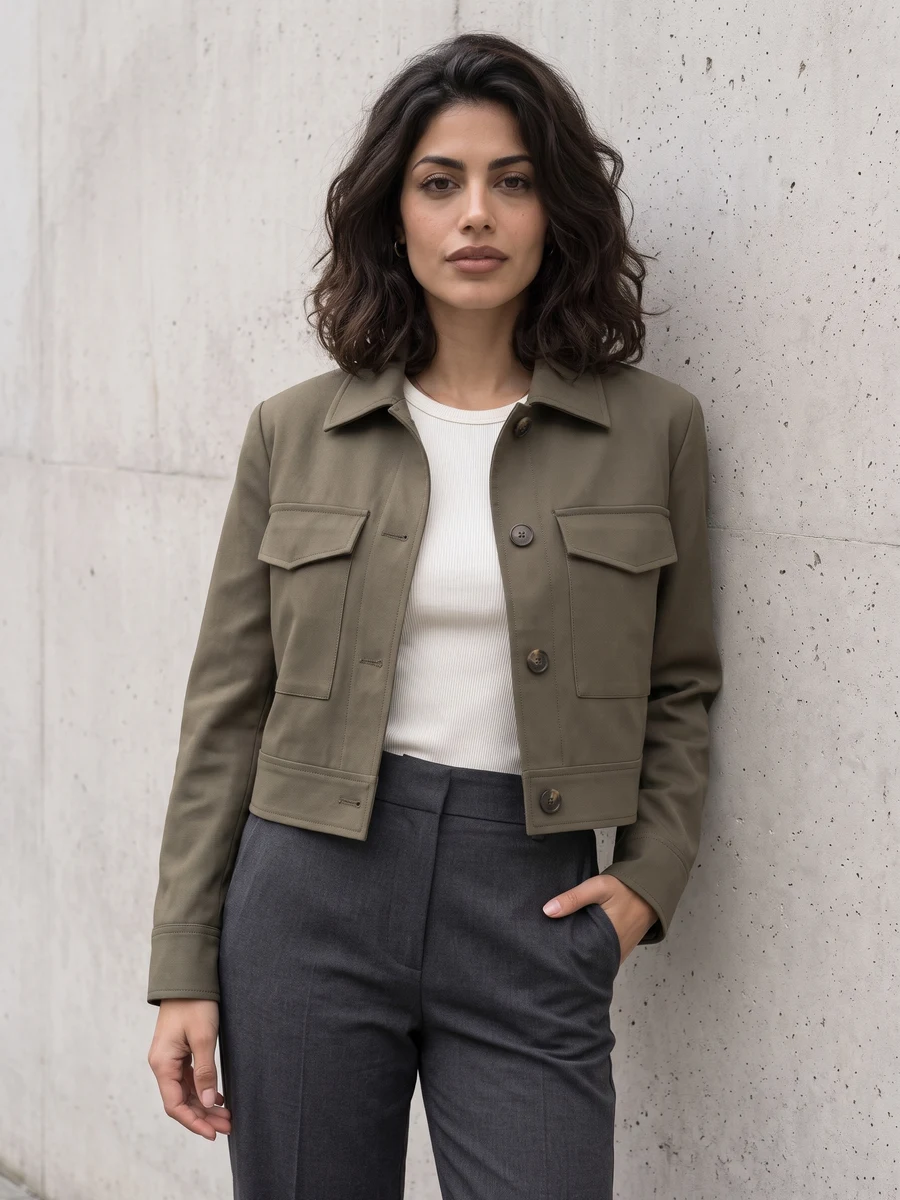
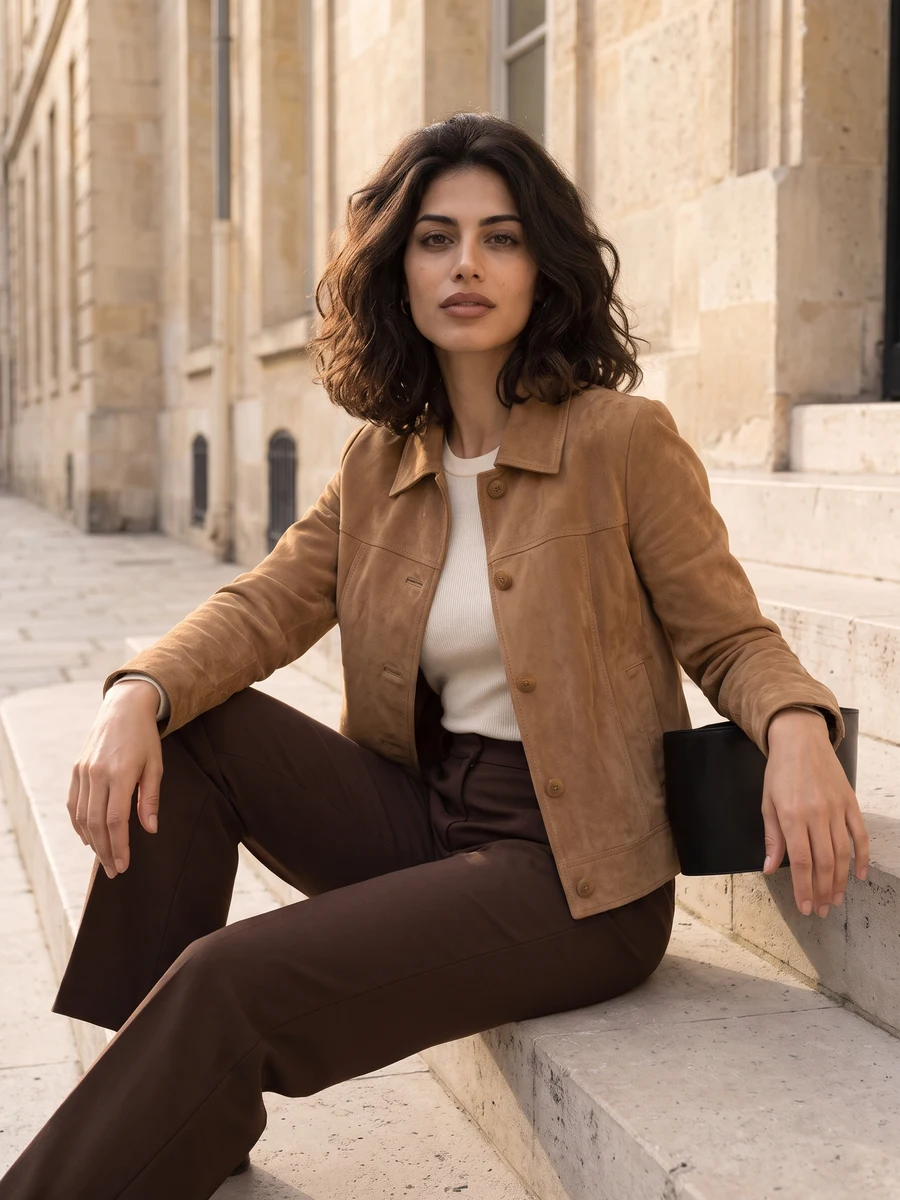
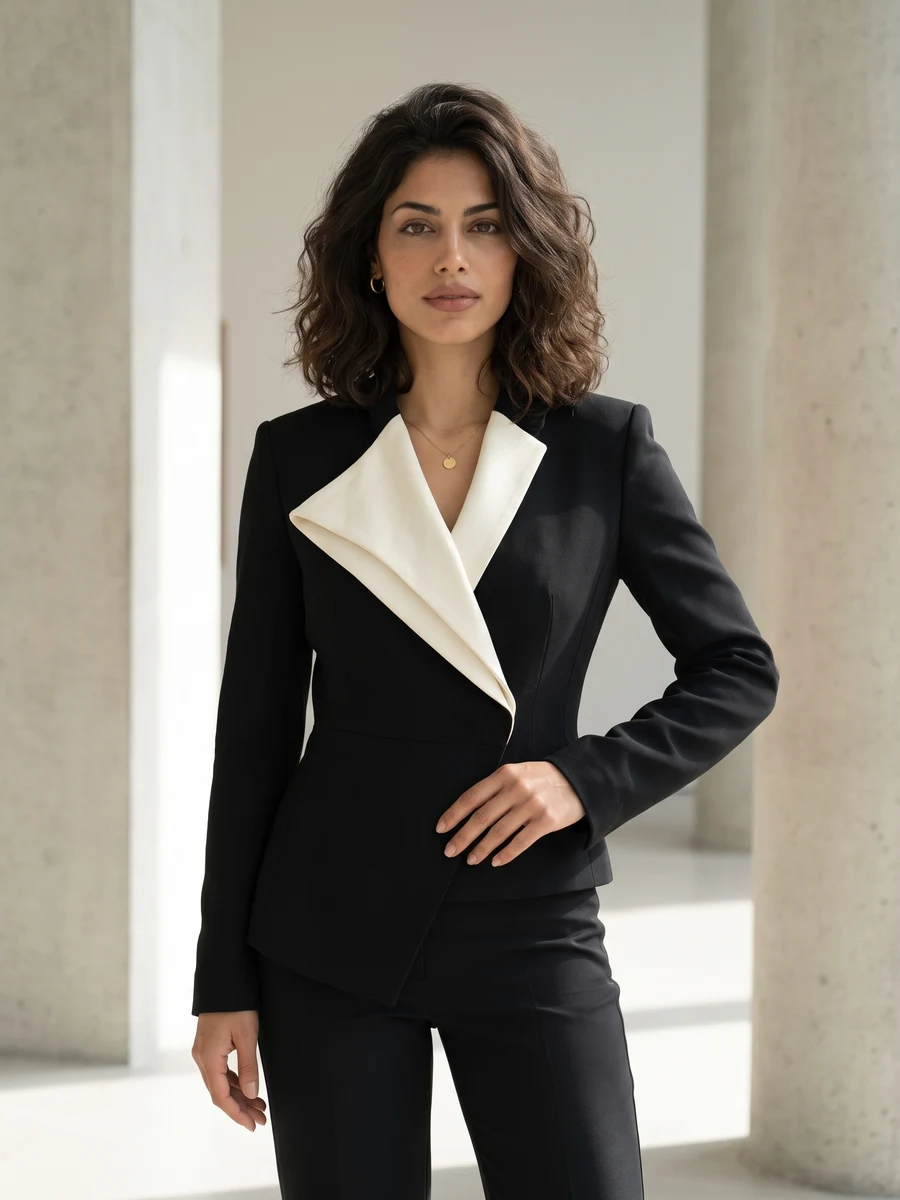
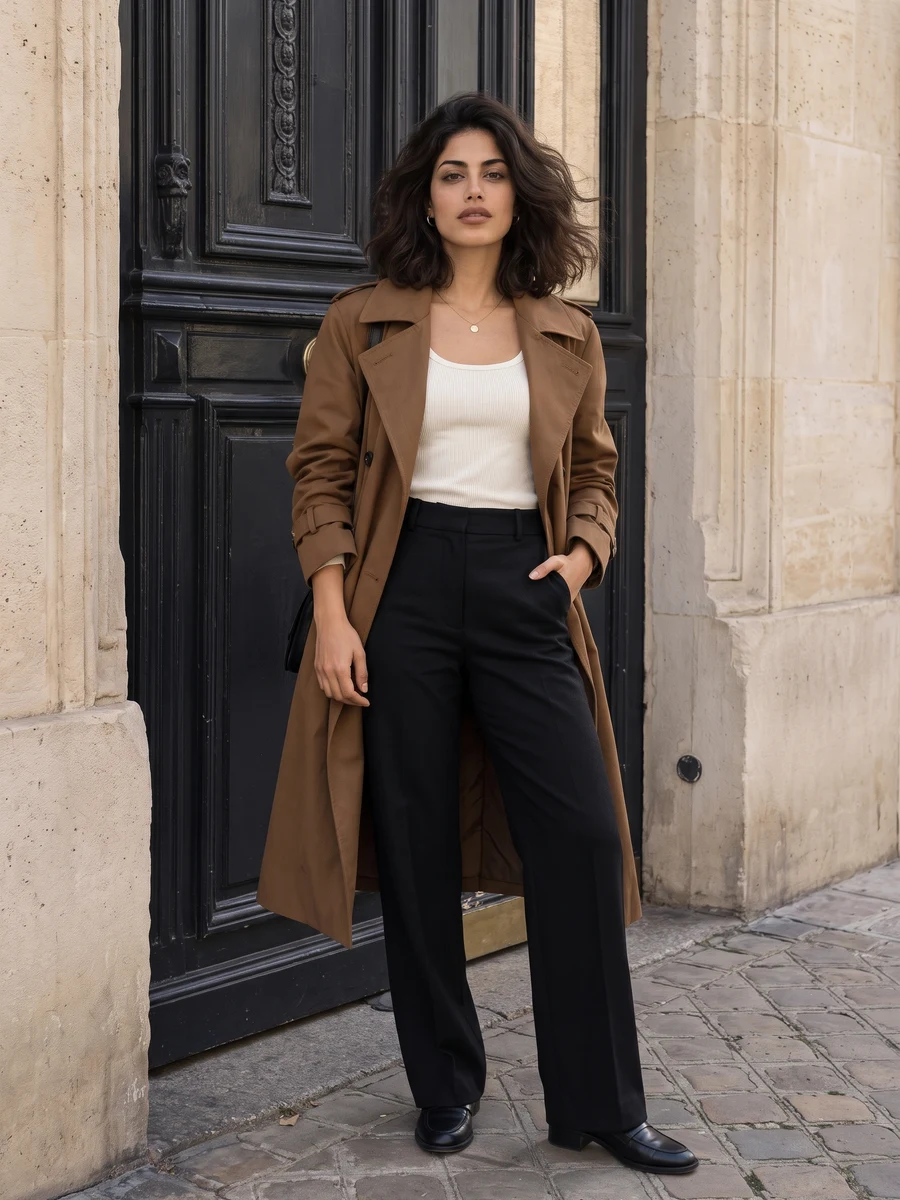
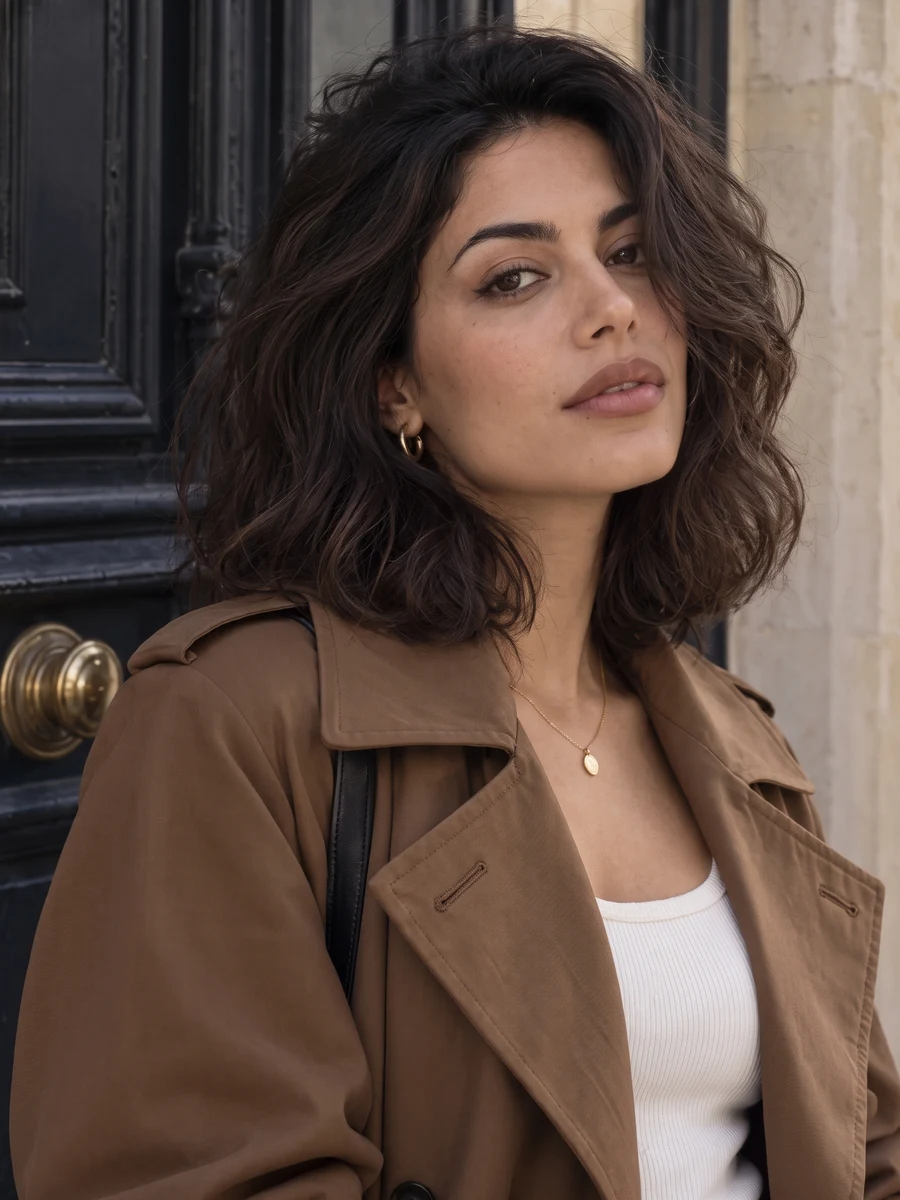
Put your style in the frame.
Create a fashion photoshoot with coordinated clothing and editorial framing. Choose minimal tailoring, streetwear, retro chic or avant-garde, then add your own preferences.
For a personal feed, a style-focused profile or a creative moodboard. Wider images show the outfit and surroundings; close-ups bring the focus back to you.
Start with good photos.
Start with a clear view of your face
A sharp selfie is more useful than a distant full-body photo where your face is tiny. Keep your eyes visible and avoid sunglasses or strong shadows.
Let the scene supply the styling
You do not need a coat or a city backdrop in your upload. Choose an image for facial detail, rather than for its clothes, pose or location.
Do I need to upload a full-body photo?
No. One clear selfie is enough to start. Wider poses and clothing are generated by the scene, so body details and proportions may differ from your real appearance.
Can I choose a particular city or landmark?
Describe a preferred setting in Preferences. The AI can interpret your direction, but exact streets, landmarks and locations are not guaranteed.
Will it keep the outfit from my reference photo?
Your selected style guides the outfit. Use Preferences to describe clothing you would like in the results. This is not exact garment try-on.
Can I select just one pose?
Choose One shot and create 1, 2 or 4 versions of a selected composition, or choose Full set for all six. Browse the examples to explore the possibilities.
When can I download my images?
Images appear individually as they finish. Timing varies with the scene and provider demand. You can leave this page and return to My creations to check progress and download completed images at their original output size. Downloading again does not use credits.
How many images are in a set, and what does it cost?
Choose One shot for 1, 2 or 4 versions at 1 credit per image, or Full set for 6 photos for 6 credits. The number of images and total credit cost are shown above before you generate. Completed images are saved privately in My creations, where you can return to download them.
What happens if an image fails to generate?
Credits for failed images are returned automatically. Any completed images stay available, so a partial failure does not mean losing the whole set. If an image completes but you are unhappy with the result, contact support@heretake.com for help.