 Heretake
Wedding portraits
Choose a wedding style and the moments you want to capture.
Your photos, made here
Choose a shot and add your photos. Your results will appear here.
Explore examplesShots
One photo of each of the 6 shots below.
Photo settings
Checking your account…
Photos deleted after processing. Credits refunded for failed generations.
Explore the possibilities
Your results will vary with your photos and preferences.
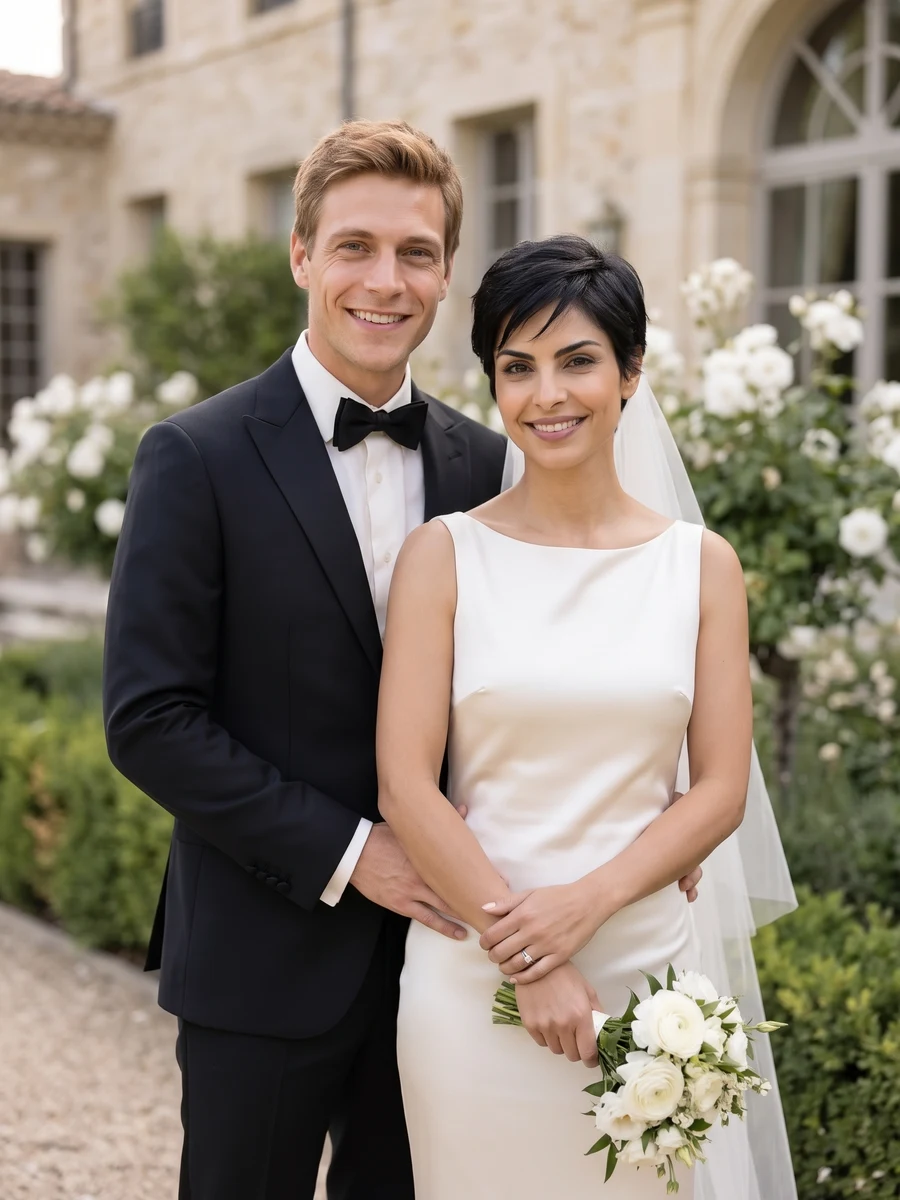
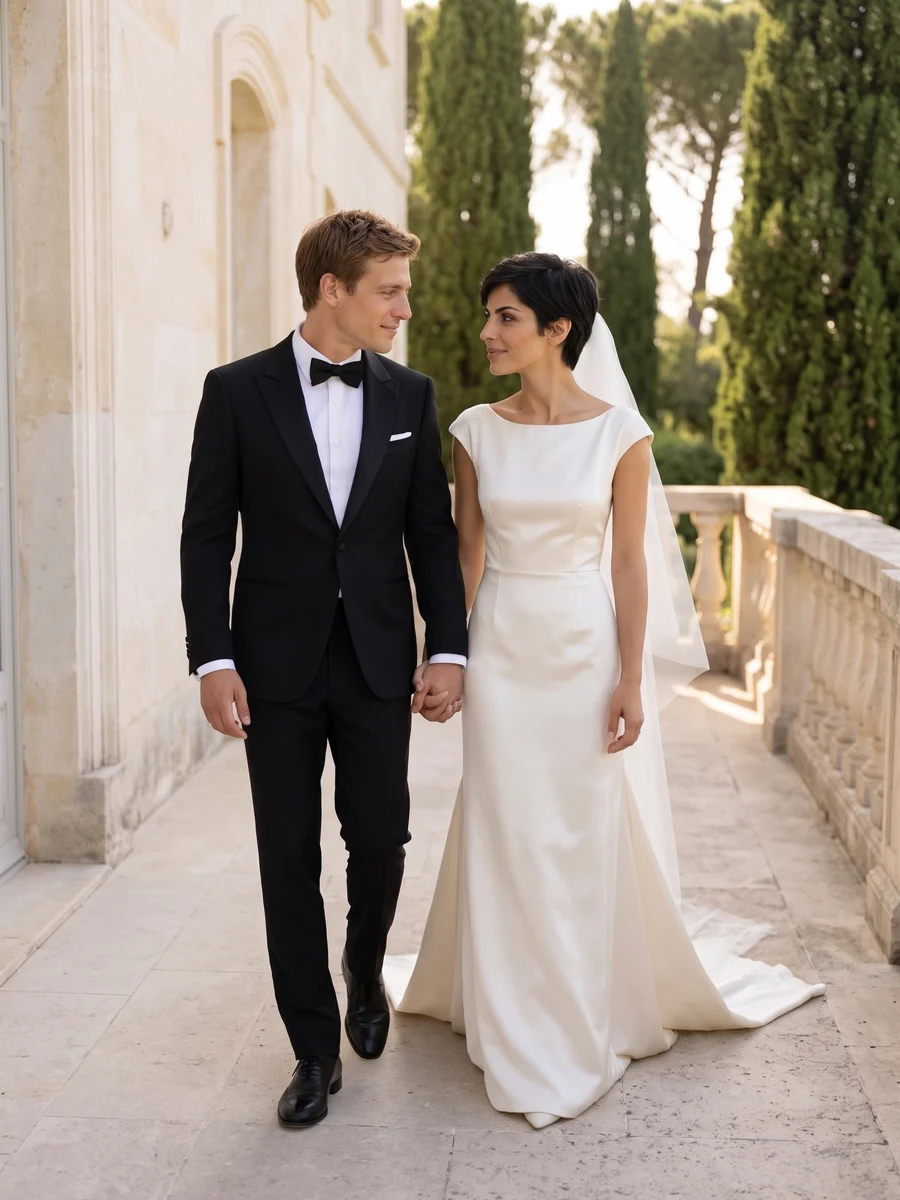
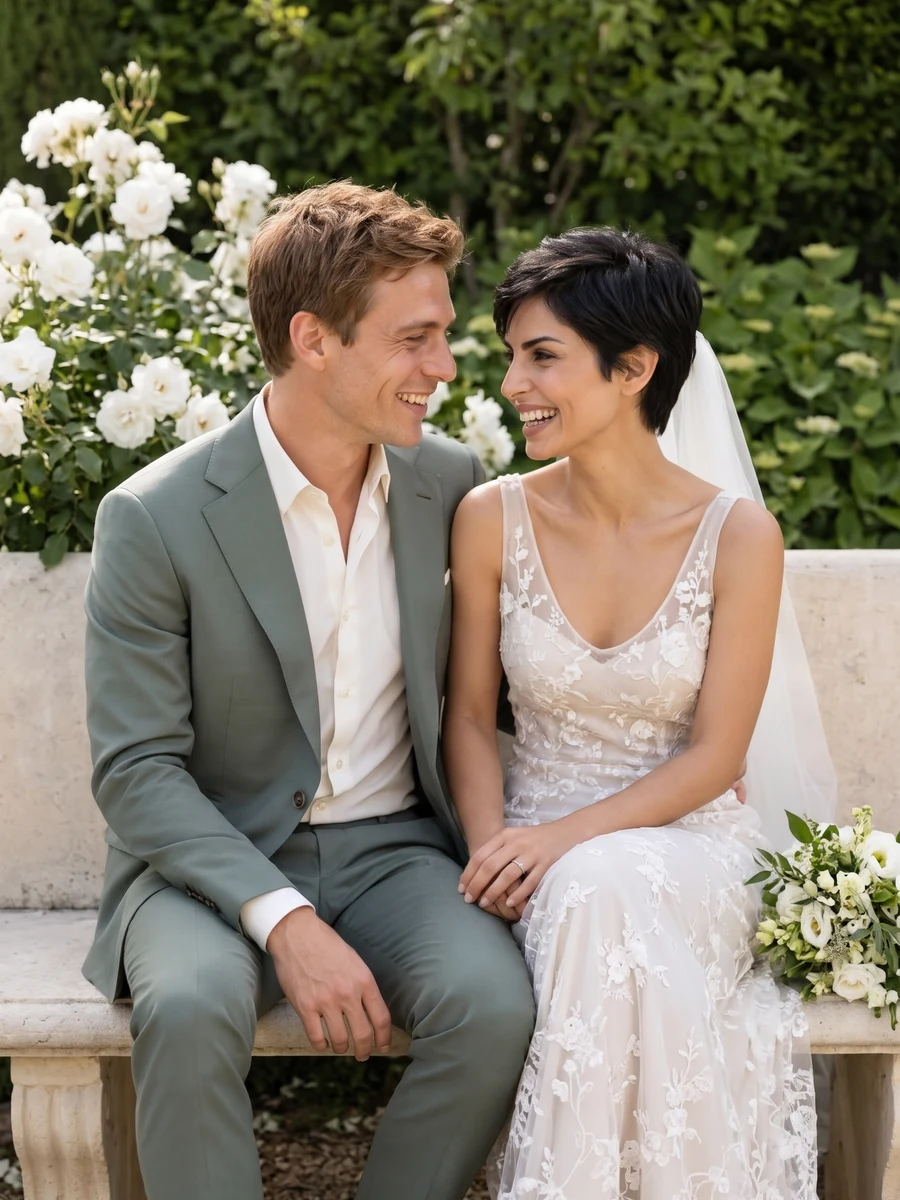
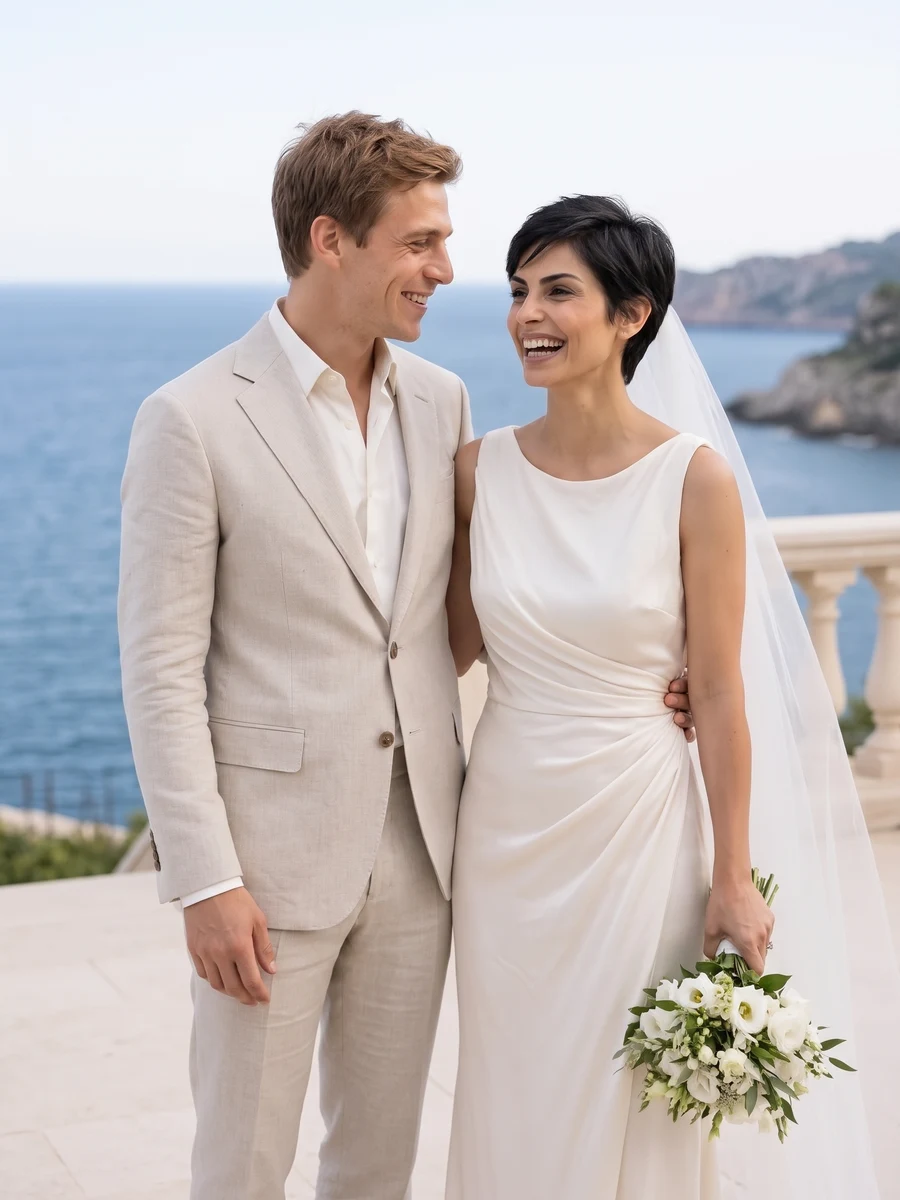
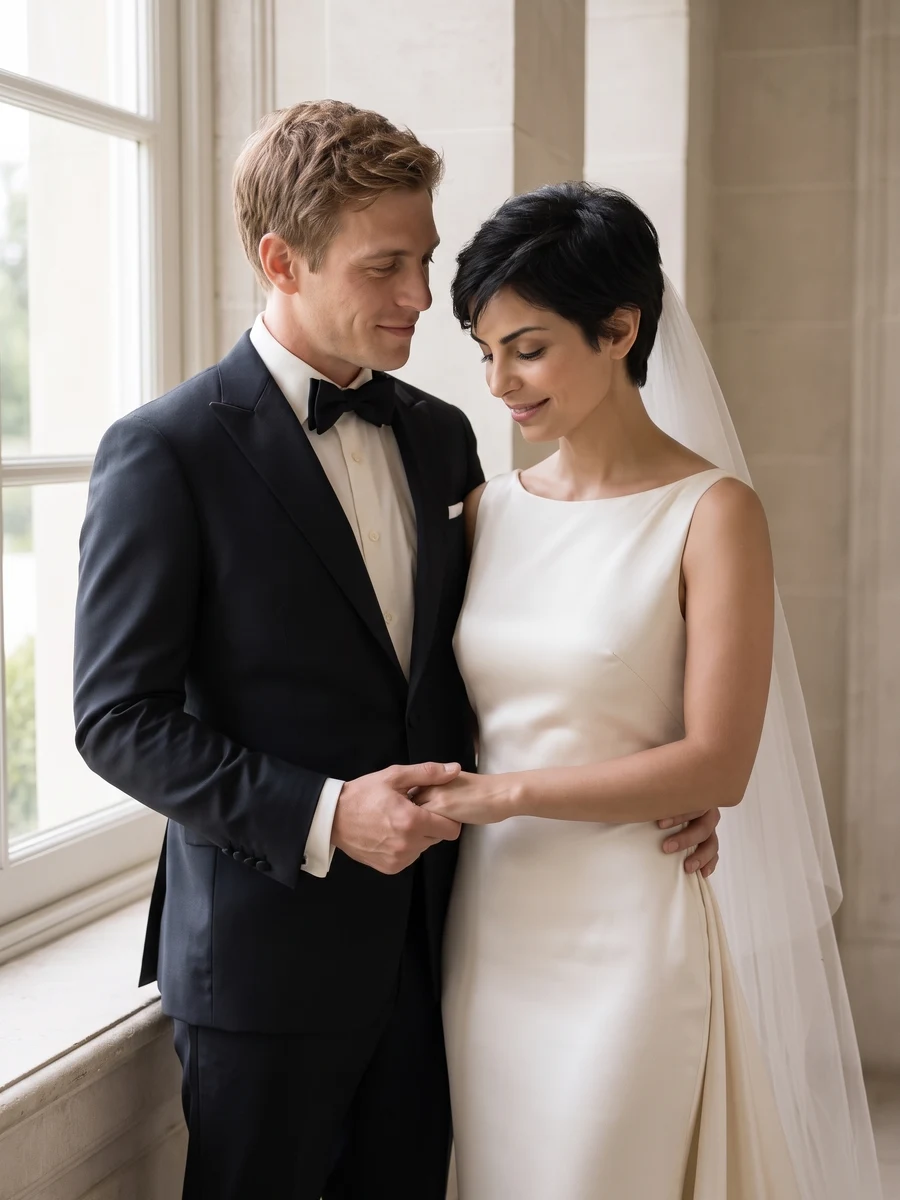
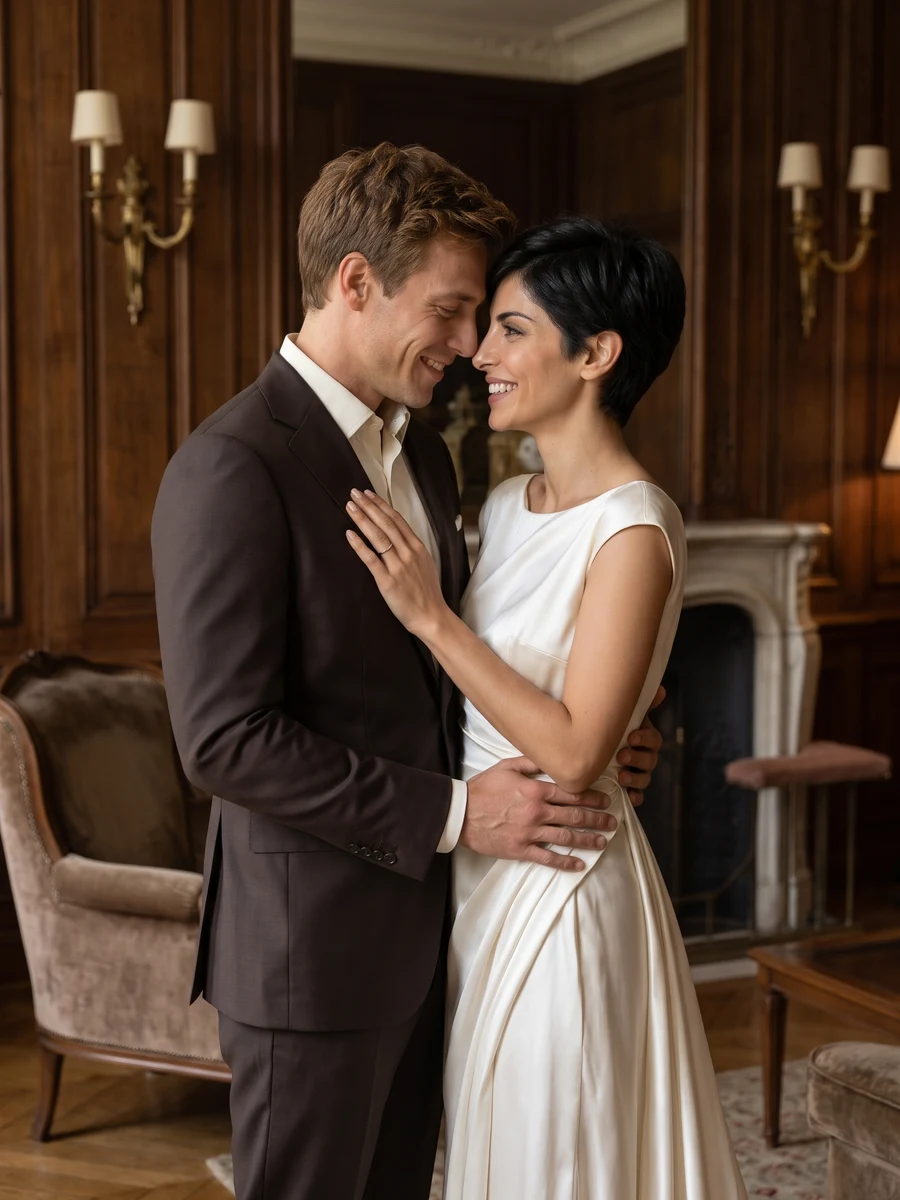
Picture your wedding look.
Explore AI wedding portraits of the two of you in formal outfits, from elegant interiors and gardens to a coastal terrace. The set combines close portraits with wider compositions for a wedding-inspired collection.
Explore a wedding style, imagine an anniversary portrait or create a personal keepsake. These are AI-created scenes, not photographs documenting an actual ceremony.
Start with good photos.
Start with faces, not wedding clothes
Everyday photos are fine. Use one clear photo of each adult, or a photo with both faces clearly visible. You do not need to wear formal clothes in your reference photos.
Choose the mood of your wedding
Choose Classic elegance, Coastal romance, Garden romance or Vintage cinema. Your selected style guides the outfits and setting for the shots you choose. The example gallery stays fixed.
Do we need an existing wedding photo?
No. You can upload separate everyday portraits or one photo of you together. Use clear faces, good lighting and no extra people. Both people must be 18 or older; you must be one of them and have the other person’s permission.
Can we choose the wedding style?
Yes. Choose from four wedding styles before generating. Generate one selected shot or a complete set of six portraits in one style. Clothing is styled automatically from the references; optional preferences let you describe outfits and a setting for the whole set.
Can it recreate our exact dress or wedding venue?
No exact match is promised. Describe your preferred outfit or venue in Preferences; there is no separate dress or venue upload. It is useful for exploring a look, but not for checking the fit or details of a real outfit.
Can these replace a wedding photographer?
They are creative portraits, not a record of your wedding day. AI may change facial details, hands, outfits or surroundings. Review your results before sharing and make clear that they were created with AI.
When can I download my images?
Images appear individually as they finish. Timing varies with the scene and provider demand. You can leave this page and return to My creations to check progress and download completed images at their original output size. Downloading again does not use credits.
How many images are in a set, and what does it cost?
Choose One shot for 1, 2 or 4 versions at 1 credit per image, or Full set for 6 photos for 6 credits. The number of images and total credit cost are shown above before you generate. Completed images are saved privately in My creations, where you can return to download them.
What happens if an image fails to generate?
Credits for failed images are returned automatically. Any completed images stay available, so a partial failure does not mean losing the whole set. If an image completes but you are unhappy with the result, contact support@heretake.com for help.