 Heretake
Lifestyle portraits
Soft light, simple outfits, and a little more you. For your profile and everyday sharing.
Your photos, made here
Choose a shot and add your photos. Your results will appear here.
Explore examplesShots
One photo of each of the 6 shots below.
Photo settings
Checking your account…
Photos deleted after processing. Credits refunded for failed generations.
Explore the possibilities
Your results will vary with your photos and preferences.
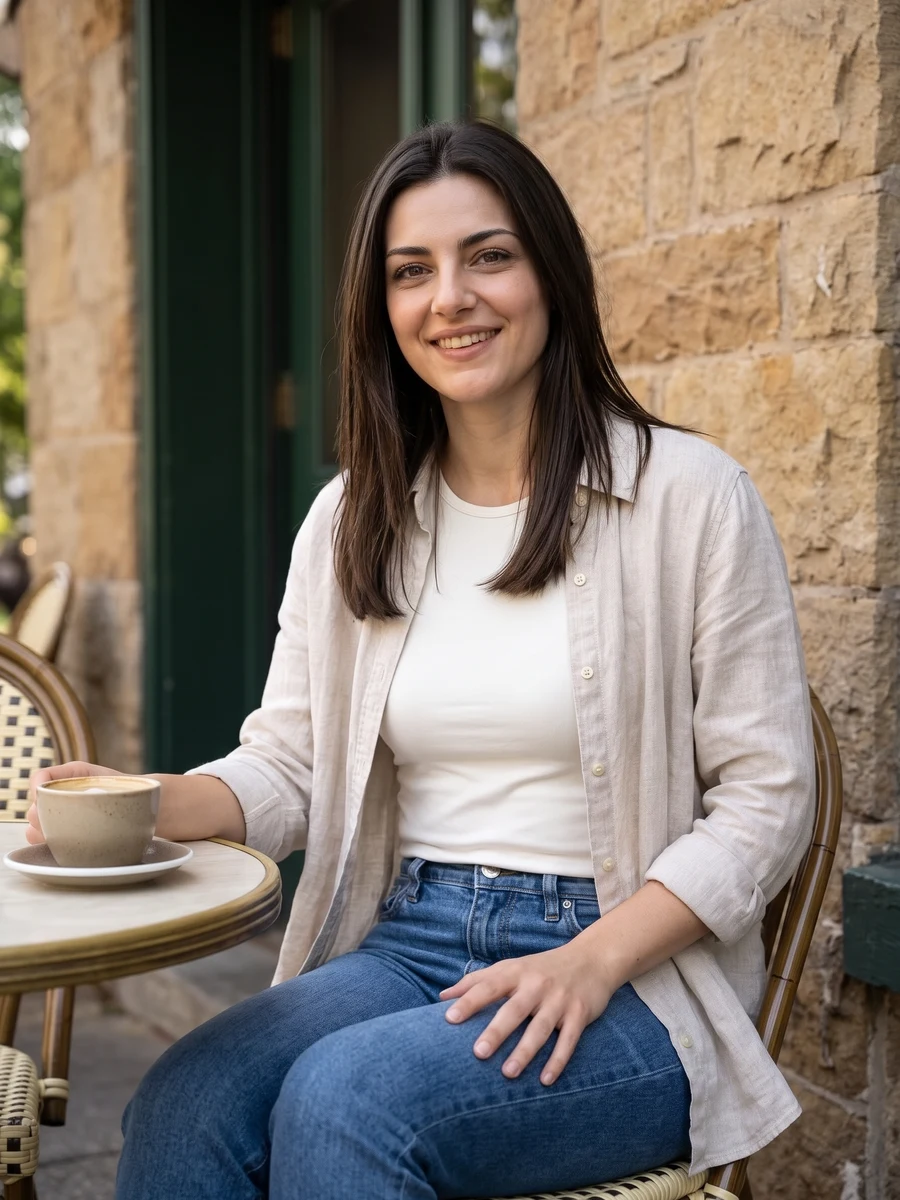
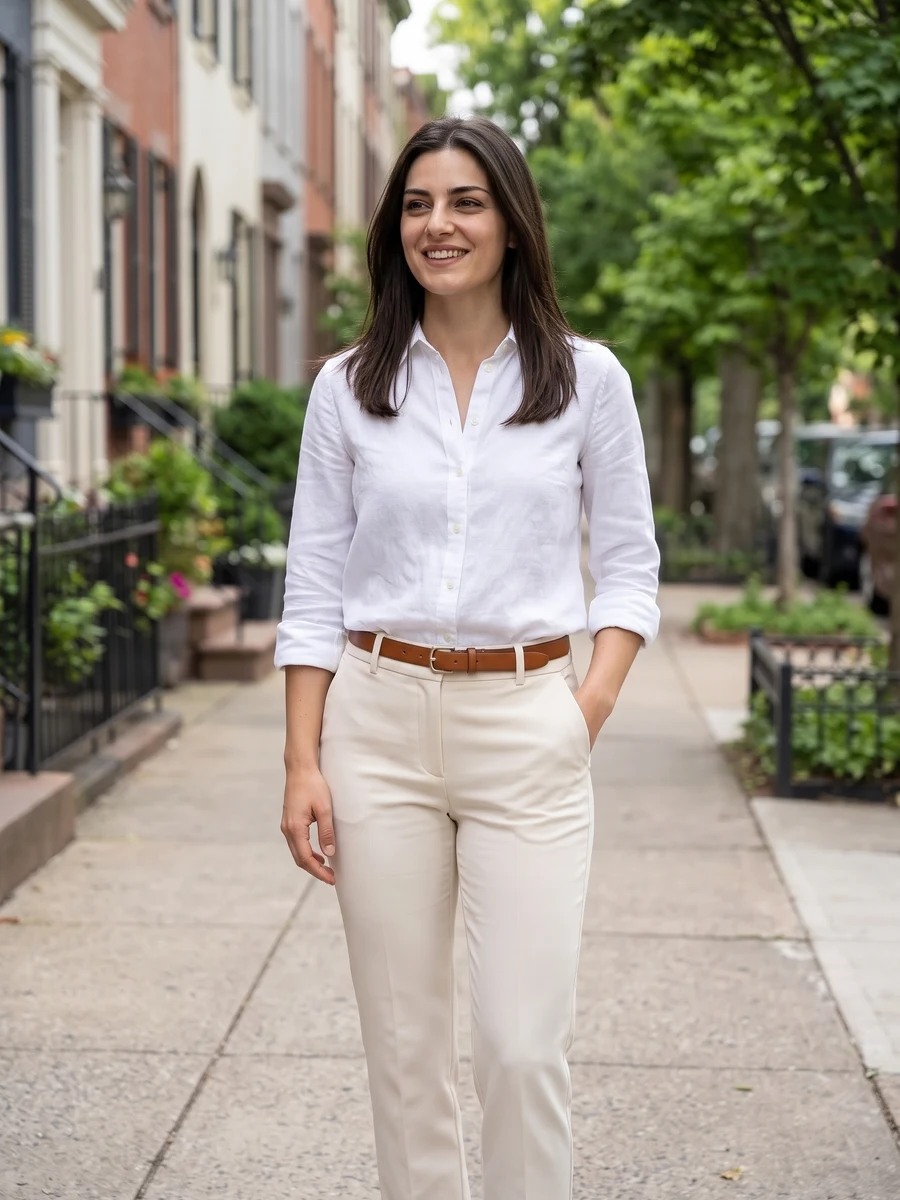
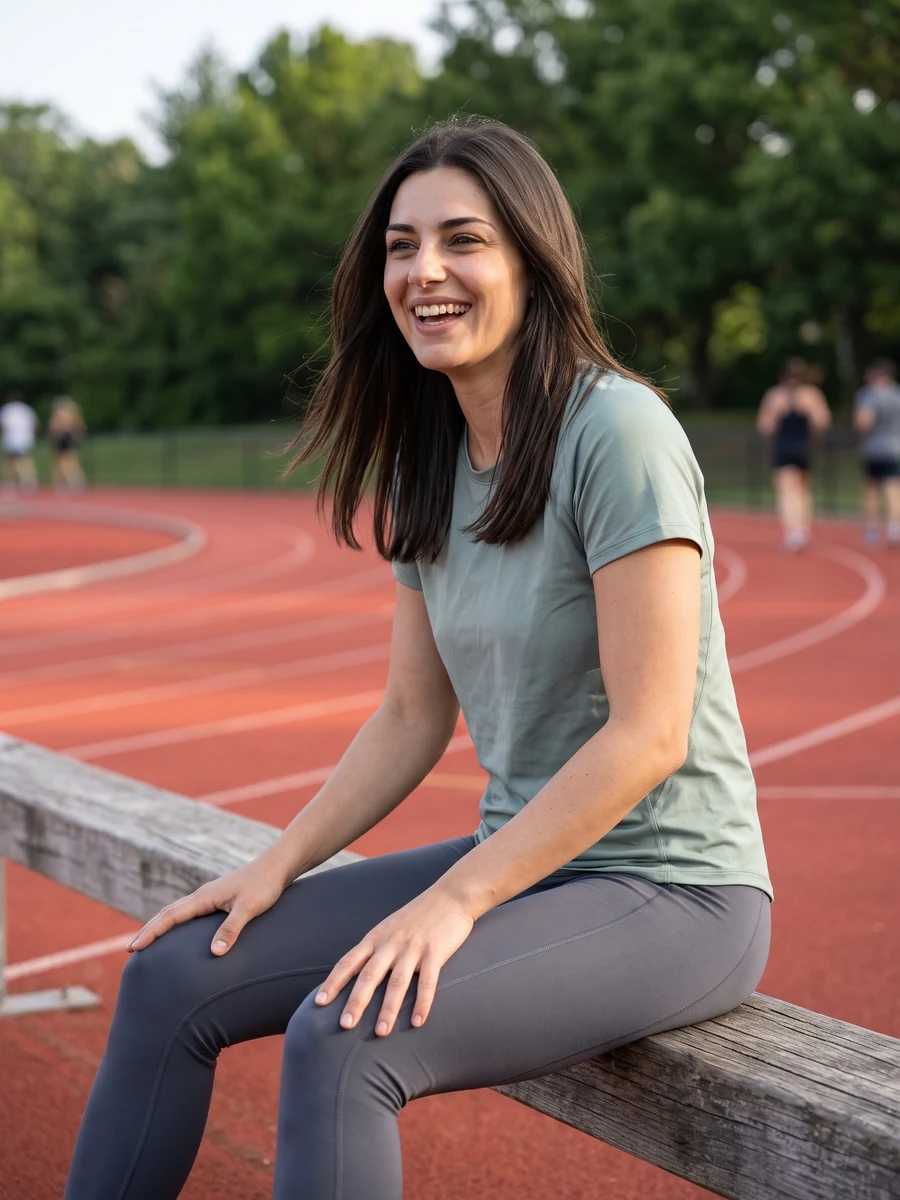
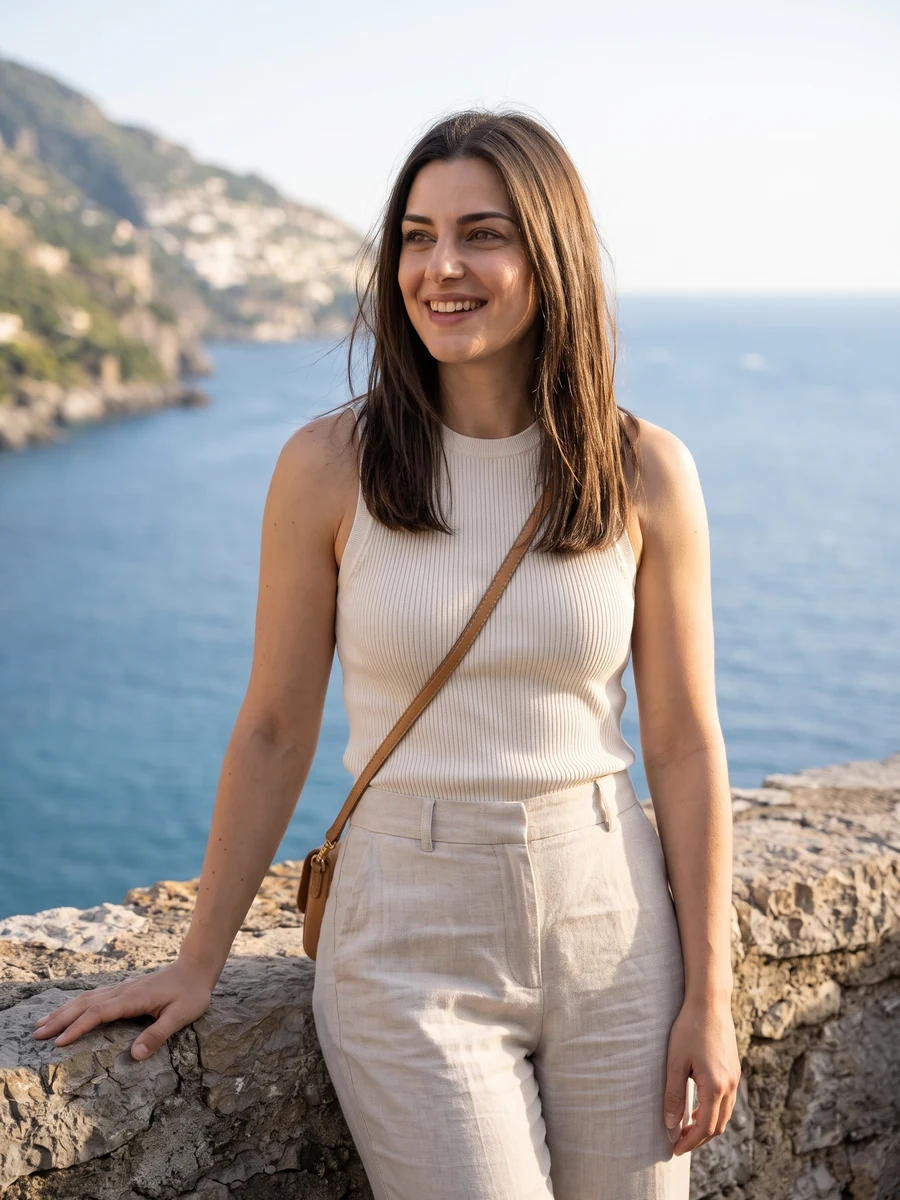
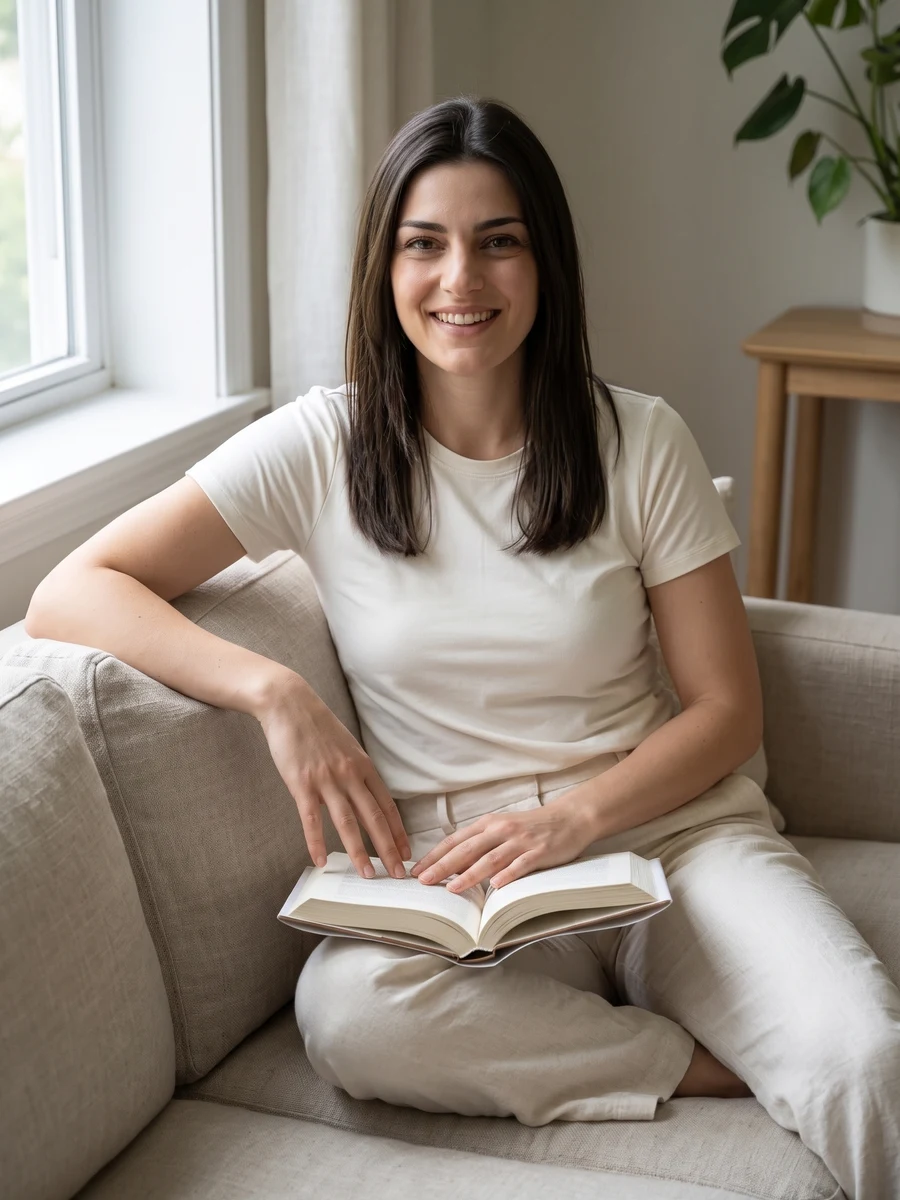
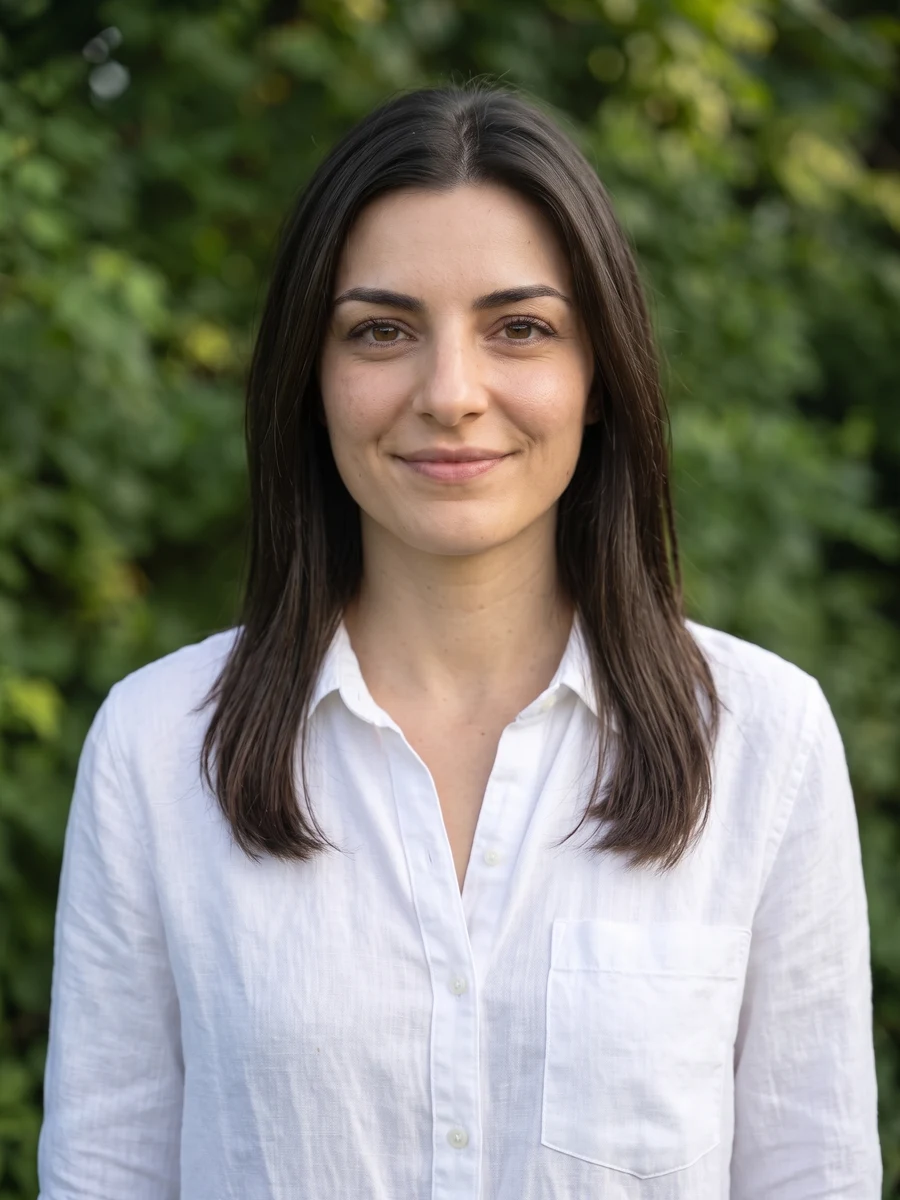
A fresh take on everyday life.
Create natural AI profile pictures with soft daylight, simple outfits and relaxed expressions. Choose Everyday casual, Active lifestyle, Travel & explore or Cozy at home, then add your preferred outfit, setting or mood.
For social profiles, personal introductions or everyday sharing. Choose a close portrait for a small profile image, or a wider composition when you want more of the setting.
Start with good photos.
Show your face clearly
Use a recent, unfiltered photo with your face in focus. Keep your usual hairstyle and glasses visible if you want them reflected in the result; avoid glare over your eyes.
Choose soft, even light
Face a window or stand in open shade. Avoid strong backlighting, dark shadows and photos cropped through your forehead or chin.
How is this different from professional headshots?
Lifestyle portraits use casual outfits and everyday settings. Professional headshots focus on business-casual clothing, simple studio backgrounds and tighter framing for work profiles.
Can I use the result as a profile picture?
Yes. Download a completed image, then crop it to suit your profile. Close portraits generally work best in a small circle or square. Cropping is done in your profile app or image editor.
Will it keep my current clothes and background?
The set creates new outfits, poses and backgrounds. Your selfie is a reference for your appearance, not a request to edit only the background of the original photo.
Will the result still look like me?
The AI is guided by your facial features and appearance, but likeness and small details can vary. Review the results and choose the image that represents you best.
When can I download my images?
Images appear individually as they finish. Timing varies with the scene and provider demand. You can leave this page and return to My creations to check progress and download completed images at their original output size. Downloading again does not use credits.
How many images are in a set, and what does it cost?
Choose One shot for 1, 2 or 4 versions at 1 credit per image, or Full set for 6 photos for 6 credits. The number of images and total credit cost are shown above before you generate. Completed images are saved privately in My creations, where you can return to download them.
What happens if an image fails to generate?
Credits for failed images are returned automatically. Any completed images stay available, so a partial failure does not mean losing the whole set. If an image completes but you are unhappy with the result, contact support@heretake.com for help.