 Heretake
Professional headshots
Choose your professional style for LinkedIn and work profiles.
Your photos, made here
Choose a shot and add your photos. Your results will appear here.
Explore examplesShots
One photo of each of the 6 shots below.
Photo settings
Checking your account…
Photos deleted after processing. Credits refunded for failed generations.
Explore the possibilities
Your results will vary with your photos and preferences.
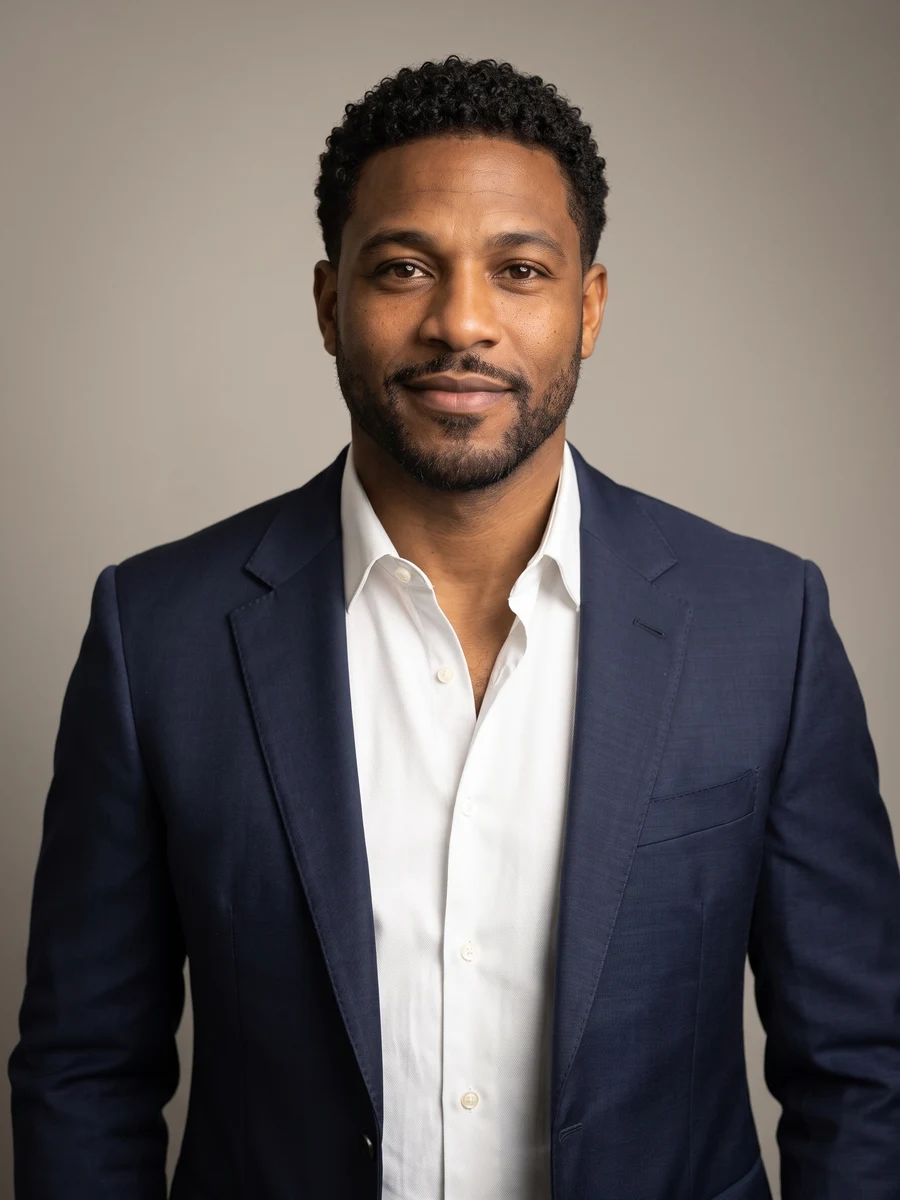
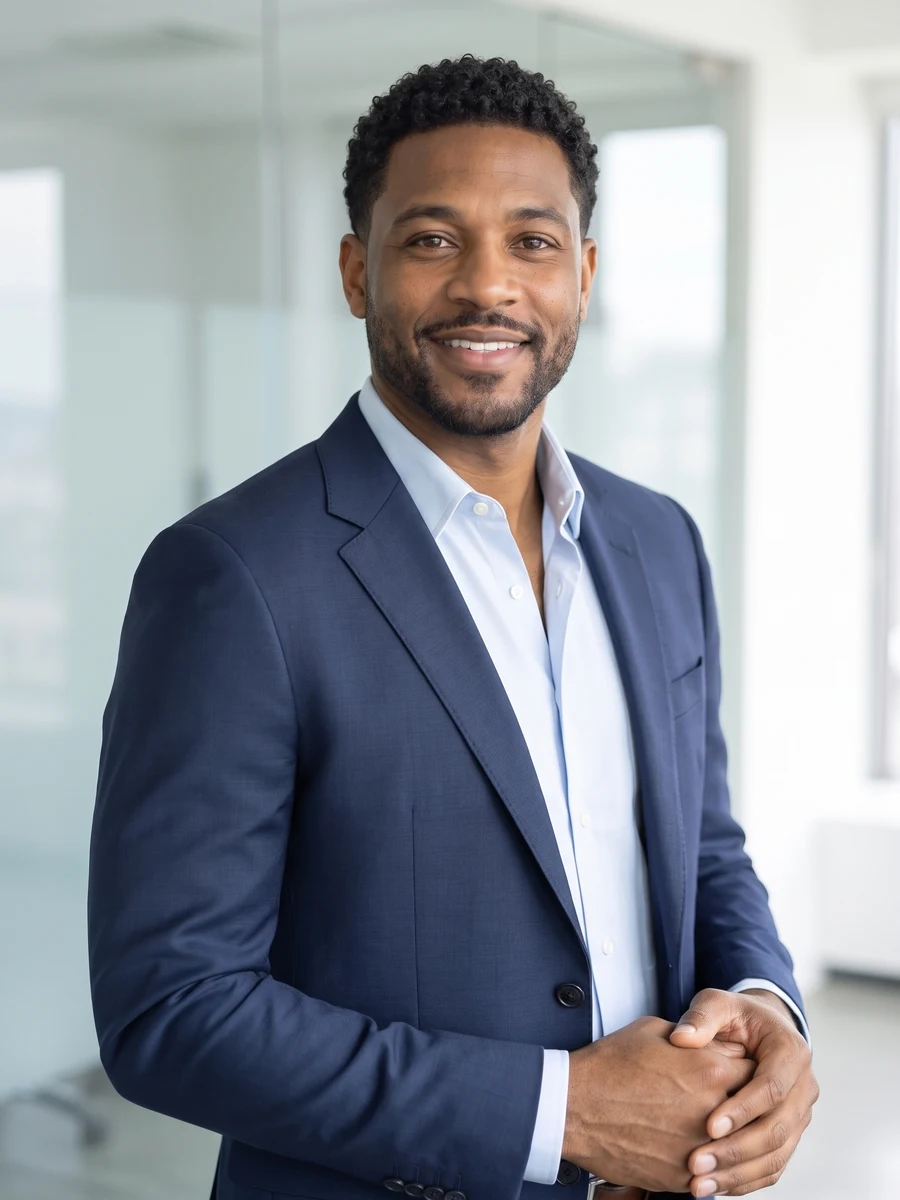
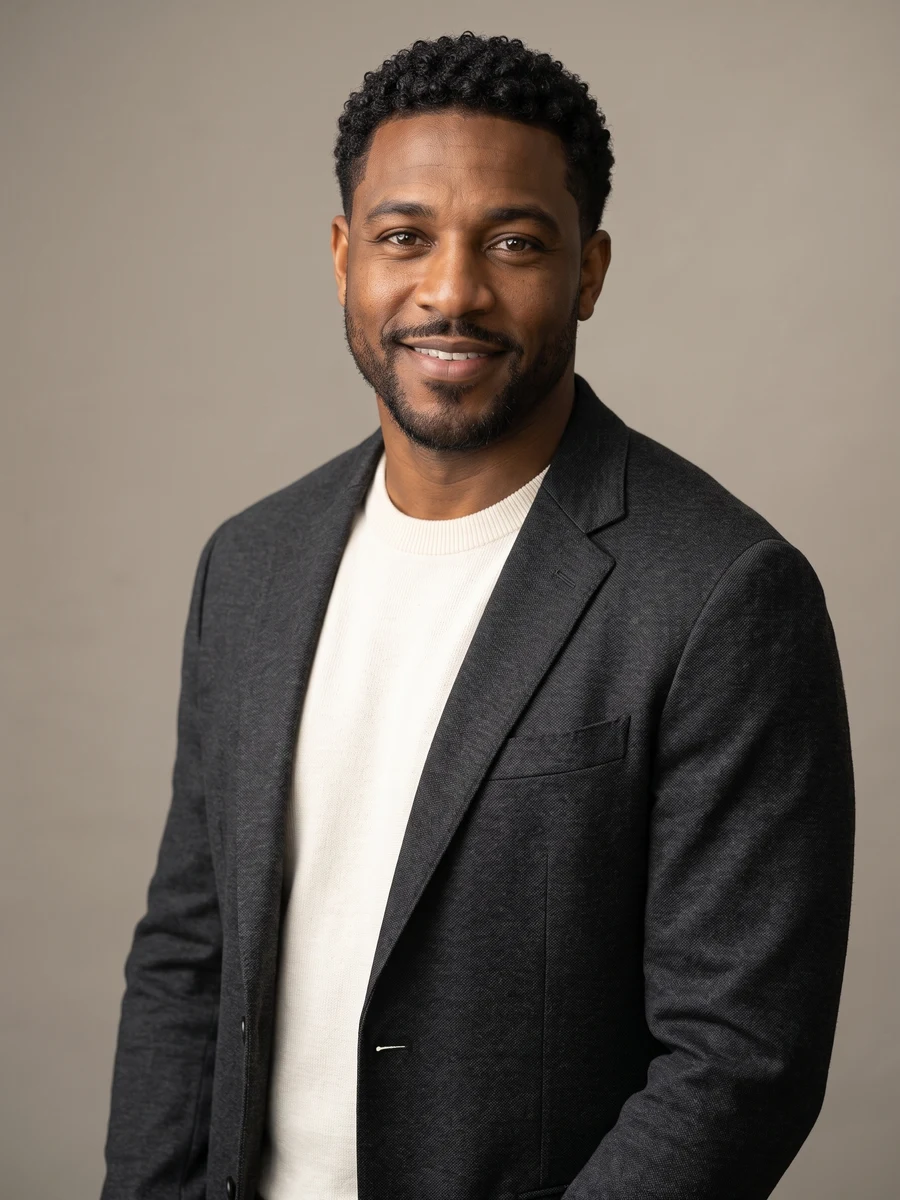
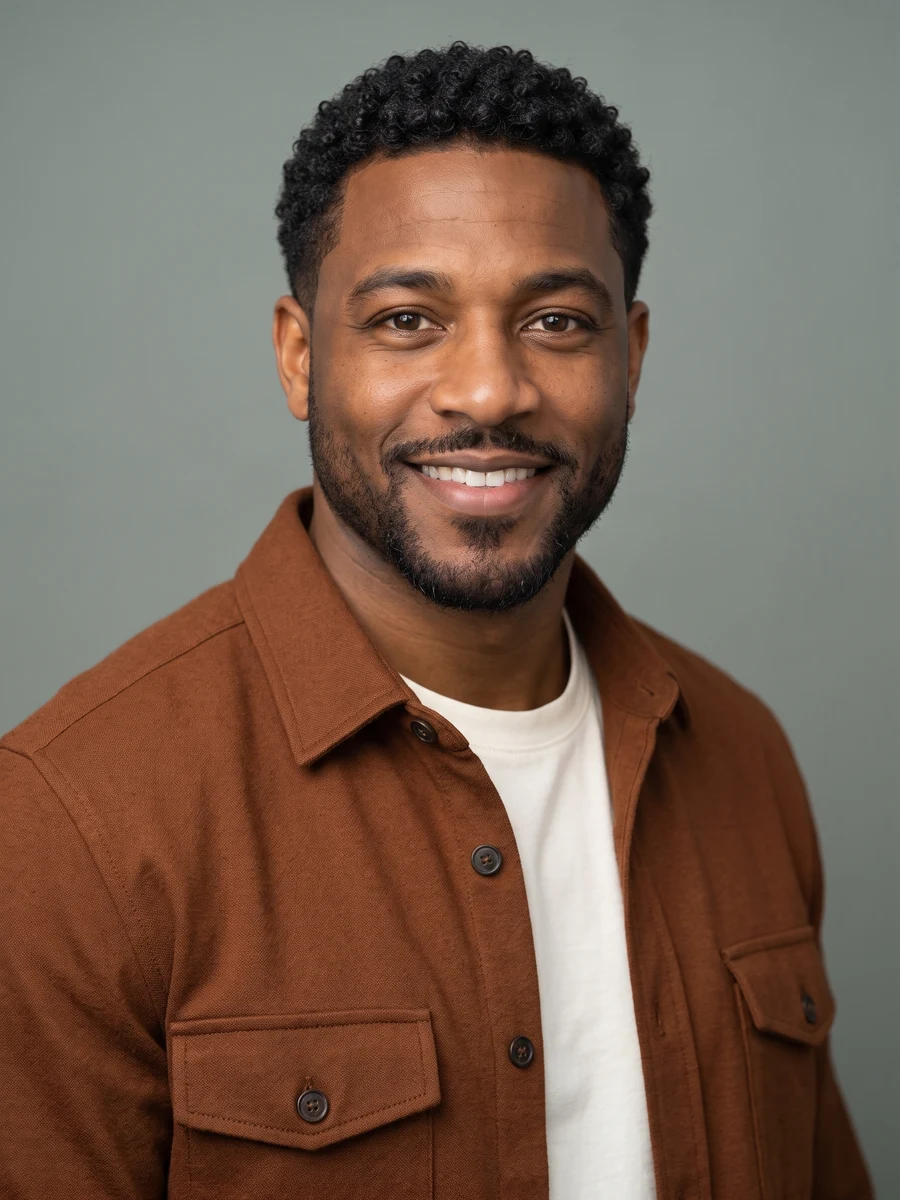
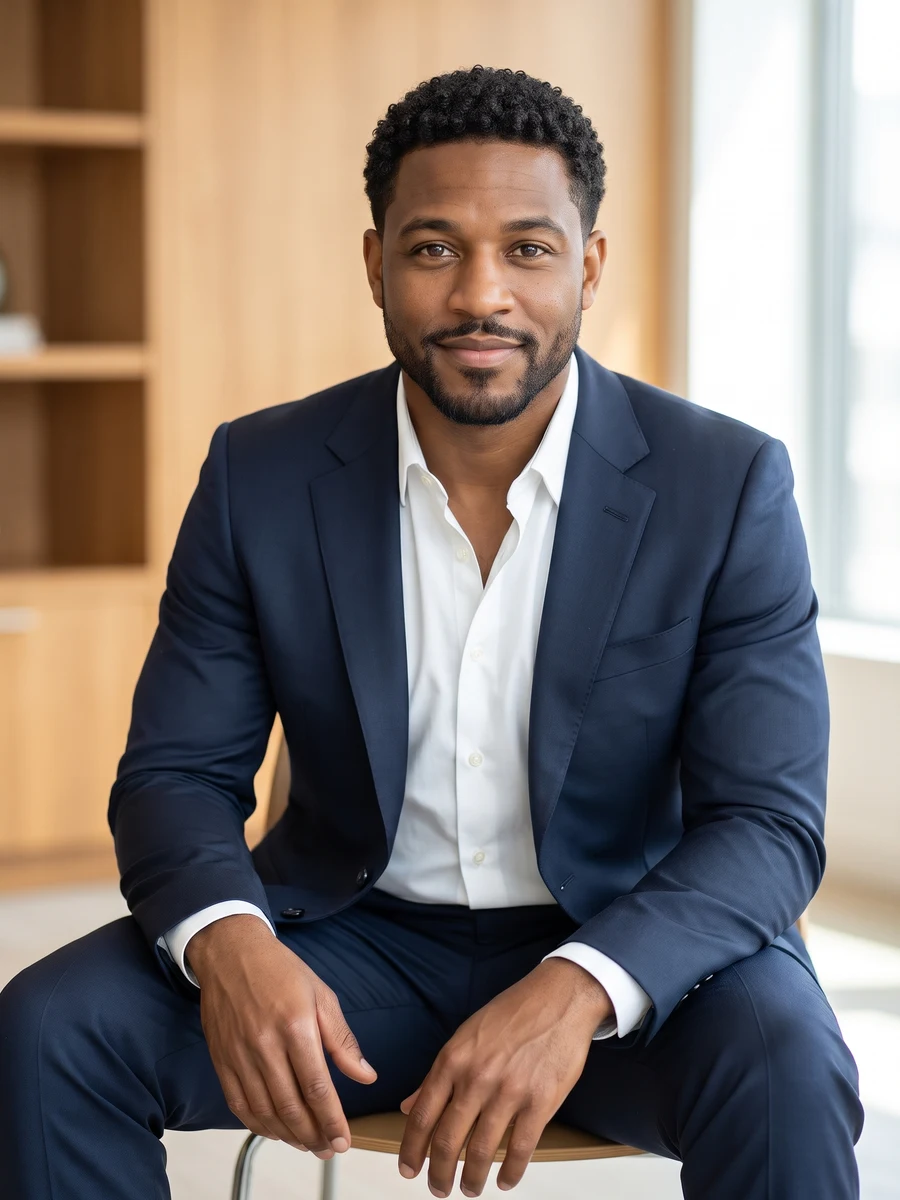
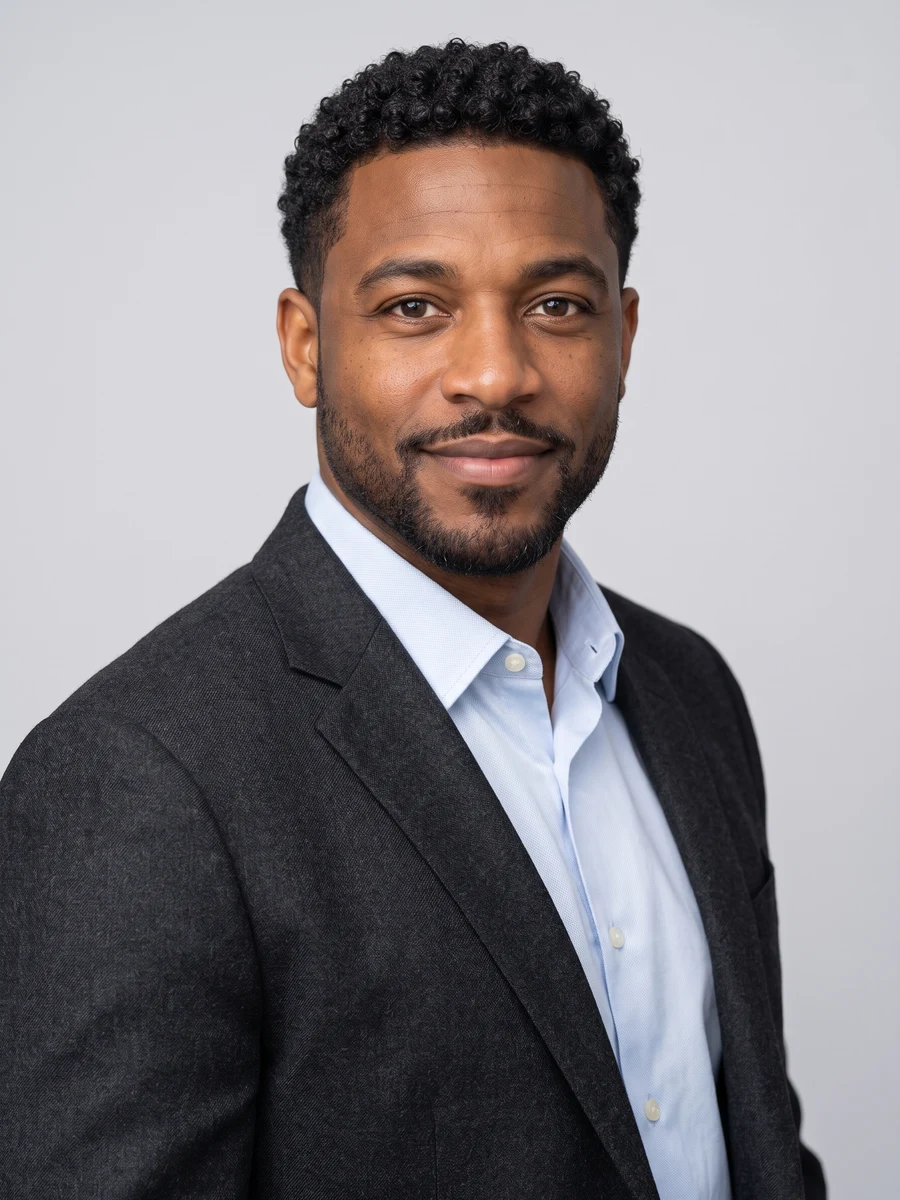
A considered first impression.
Choose business formal, smart casual or creative professional styling for your AI headshots. The set varies the angle and expression while keeping attention on your face.
For a LinkedIn profile, a personal website or a speaker introduction. Choose a portrait that feels like you and fits the context where you plan to use it.
Start with good photos.
A clear selfie is enough
You do not need an existing studio photo. Use a recent image with your whole face visible and your eyes in focus. An eye-level camera angle gives a more useful reference than a steep angle.
Skip filters and harsh shadows
Choose even light and a simple expression. Avoid beauty filters, glare on glasses and anything covering your face; the generated set supplies the professional styling.
Do I need to wear a suit in my selfie?
No. Your selected style guides the outfit, from formal tailoring to relaxed professional clothing. A clear everyday photo is enough to start.
Can I choose a different outfit or background?
Choose Business formal, Smart casual or Creative professional, then add optional preferences for clothing, background or lighting. Preferences apply to every photo you generate; no wardrobe upload is required.
Can I use a headshot on LinkedIn or my work website?
These portraits are intended for work profiles and introductions. Review the likeness before uploading and follow any image requirements set by your employer or the platform.
Is this suitable for a passport or identity document?
Use this set for creative profile portraits. It is not designed or verified for passport, visa or other official identity-photo requirements.
When can I download my images?
Images appear individually as they finish. Timing varies with the scene and provider demand. You can leave this page and return to My creations to check progress and download completed images at their original output size. Downloading again does not use credits.
How many images are in a set, and what does it cost?
Choose One shot for 1, 2 or 4 versions at 1 credit per image, or Full set for 6 photos for 6 credits. The number of images and total credit cost are shown above before you generate. Completed images are saved privately in My creations, where you can return to download them.
What happens if an image fails to generate?
Credits for failed images are returned automatically. Any completed images stay available, so a partial failure does not mean losing the whole set. If an image completes but you are unhappy with the result, contact support@heretake.com for help.